Archive
Author: webmaster
-
-
The note that writes itself

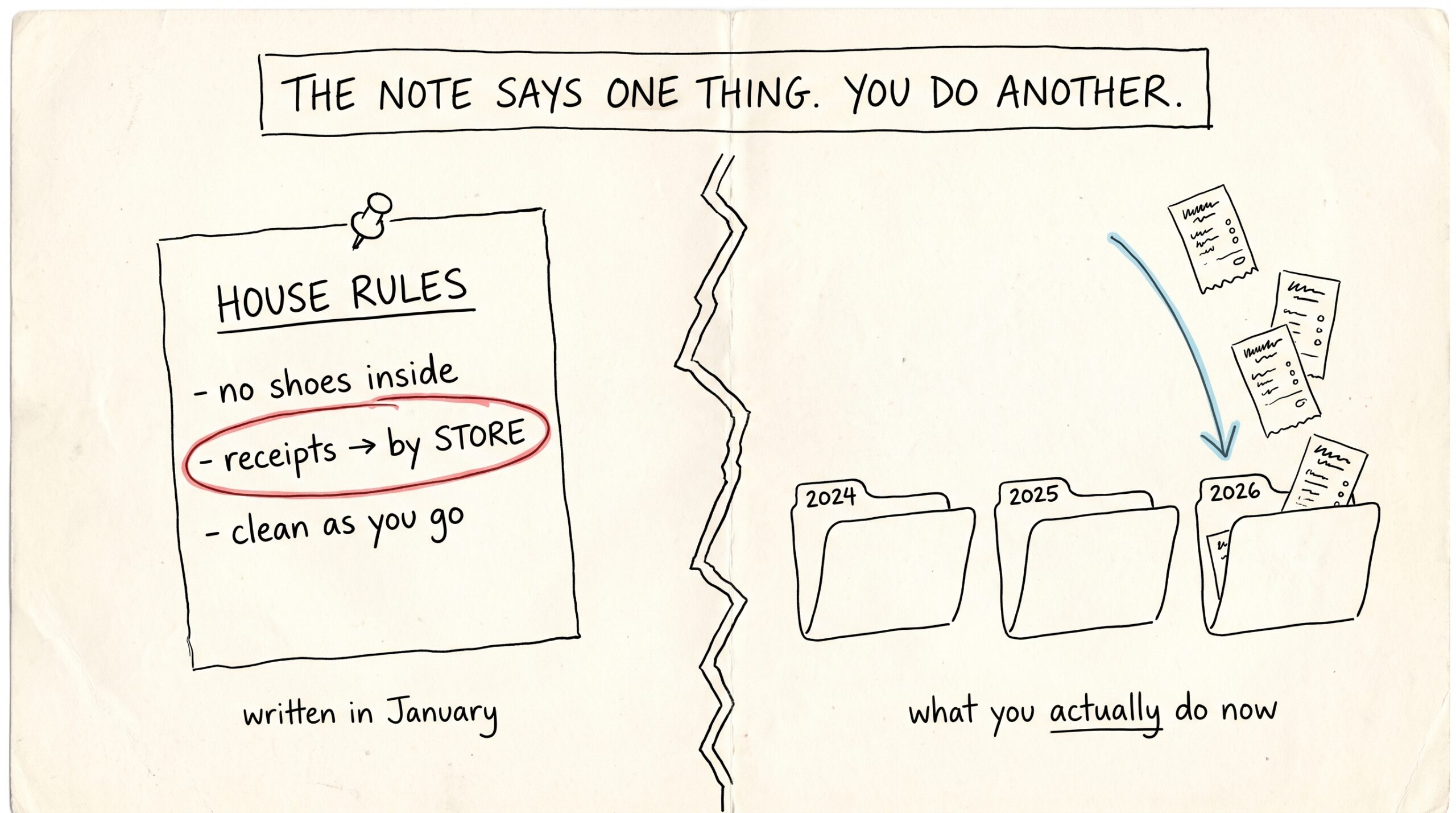
Somewhere in your vault there’s a note that quietly runs everything: the routing note. It’s the page your AI assistants read to learn where things go — receipts here, lab results there, meeting notes under this project. Every time you snap a photo or say “save this,” that note is the reason the file lands…
-
The two-prompt setup that makes Claude use Mneme on its own

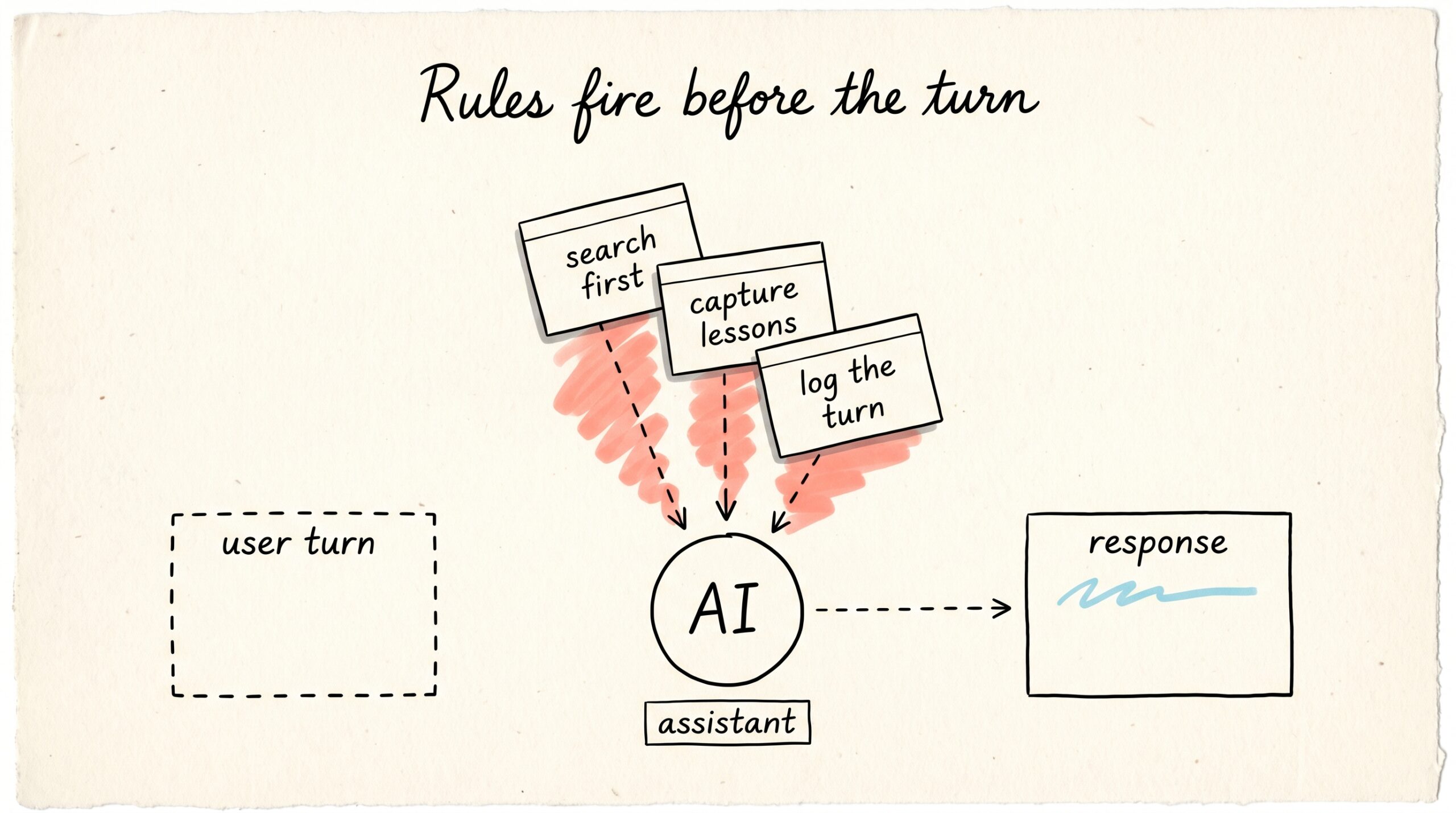
Engineering track. This post goes deep on a setup pattern — Claude Desktop personalization plus a global ~/.claude/CLAUDE.md — that makes Mneme an ambient layer instead of a tool you have to remember to invoke. If you’re here for the consumer story of what Mneme is and how recall feels in daily use, the portable-memory…
-
Connect Mneme to OpenAI Codex

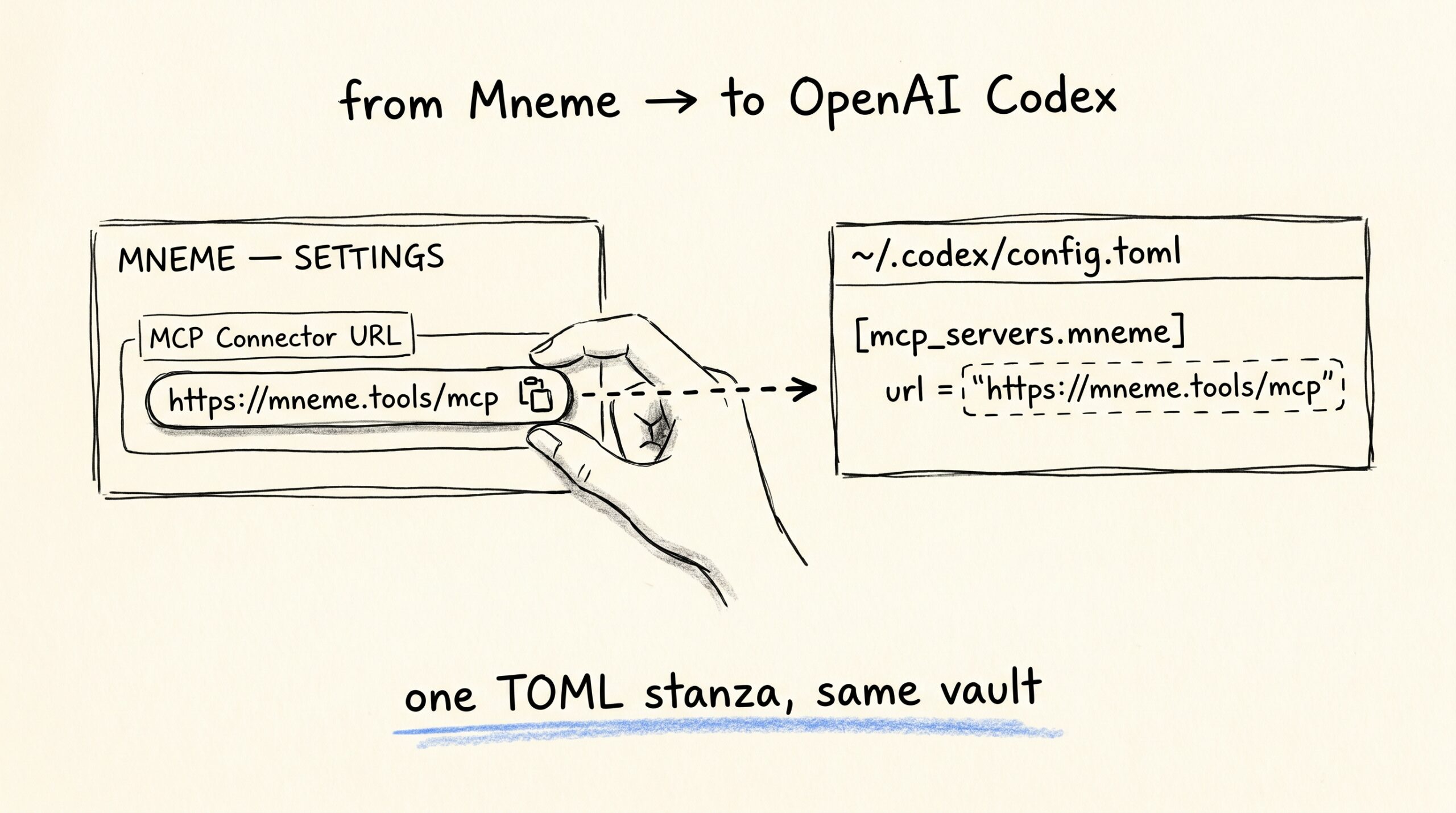
OpenAI’s Codex CLI talks to remote MCP servers via a small TOML config and one login command. If you’ve already wired Mneme into Claude Code or Gemini CLI, this is the same shape — different config language, different command name, same vault on the other side. This guide covers the Codex CLI. ChatGPT’s hosted Codex…
-
Connect Mneme to GitHub Copilot

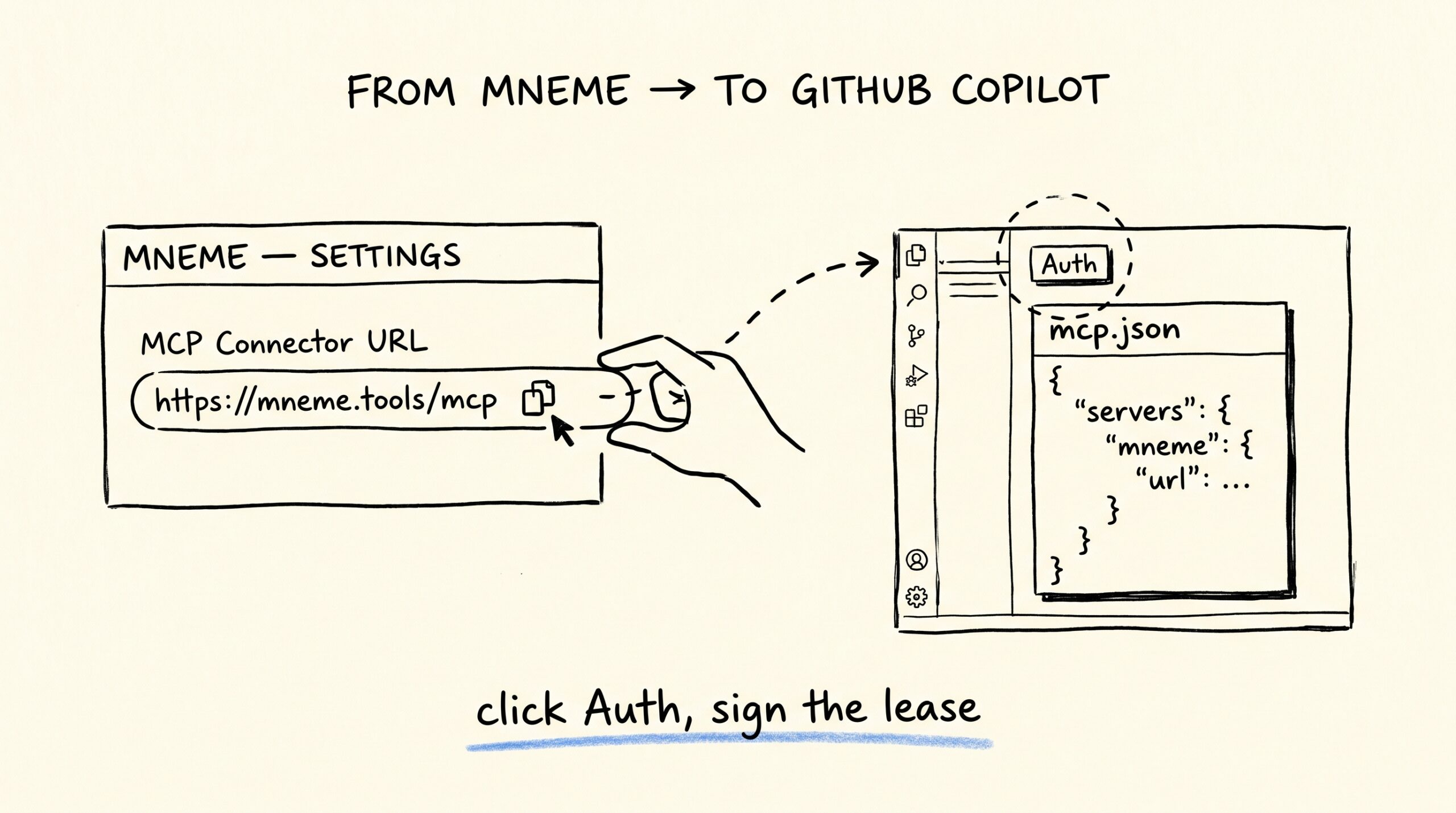
GitHub Copilot in VS Code learned to talk to remote MCP servers in mid-2025, OAuth and all. Mneme is one of those servers. Five minutes to wire it up — and Copilot’s the one client where the Work-only scope matters most, because Copilot lives inside an editor that’s almost always pointed at work code. Version…
-
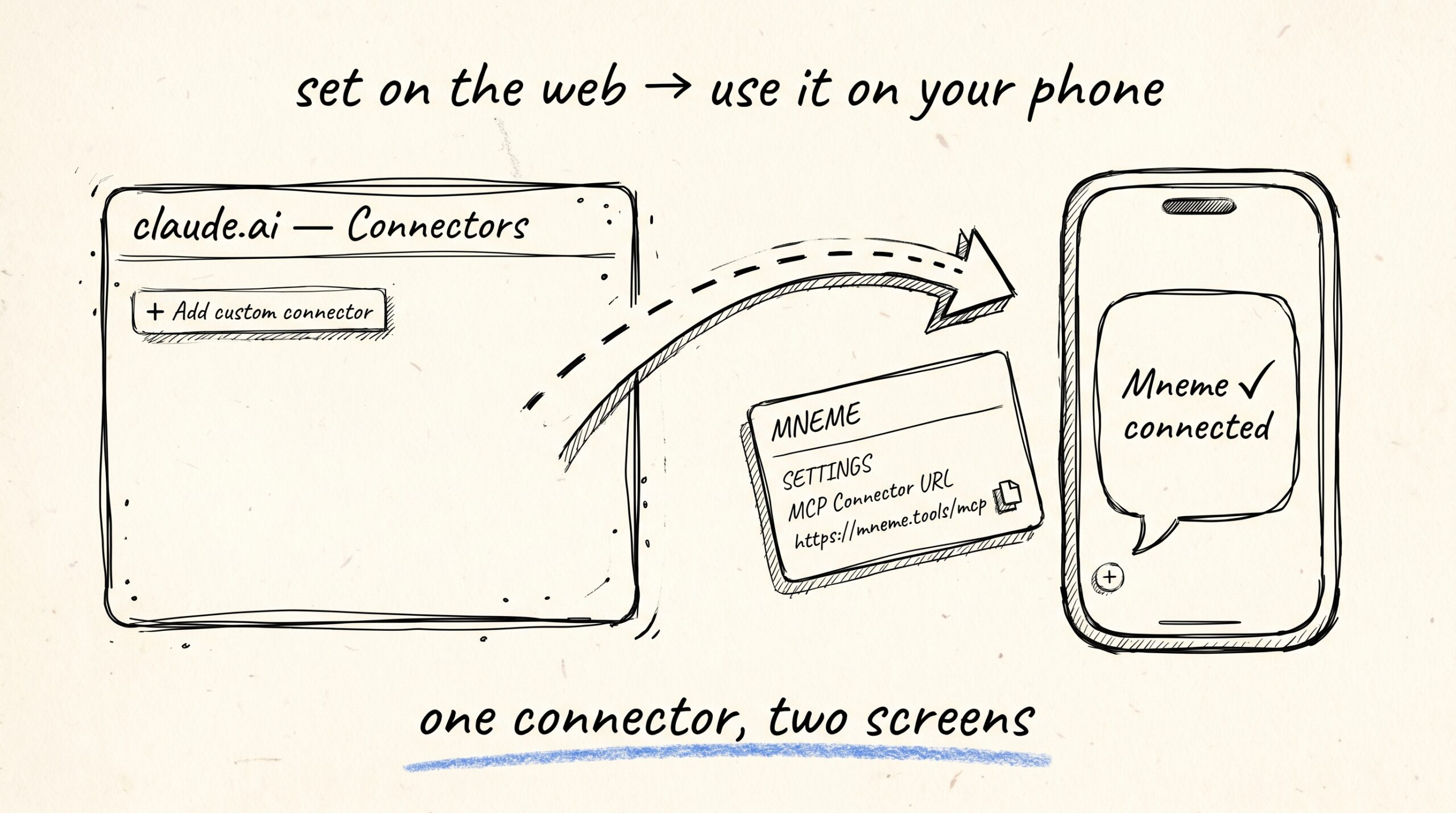
Connect Mneme to Claude on mobile
-
Connect Mneme to Gemini CLI

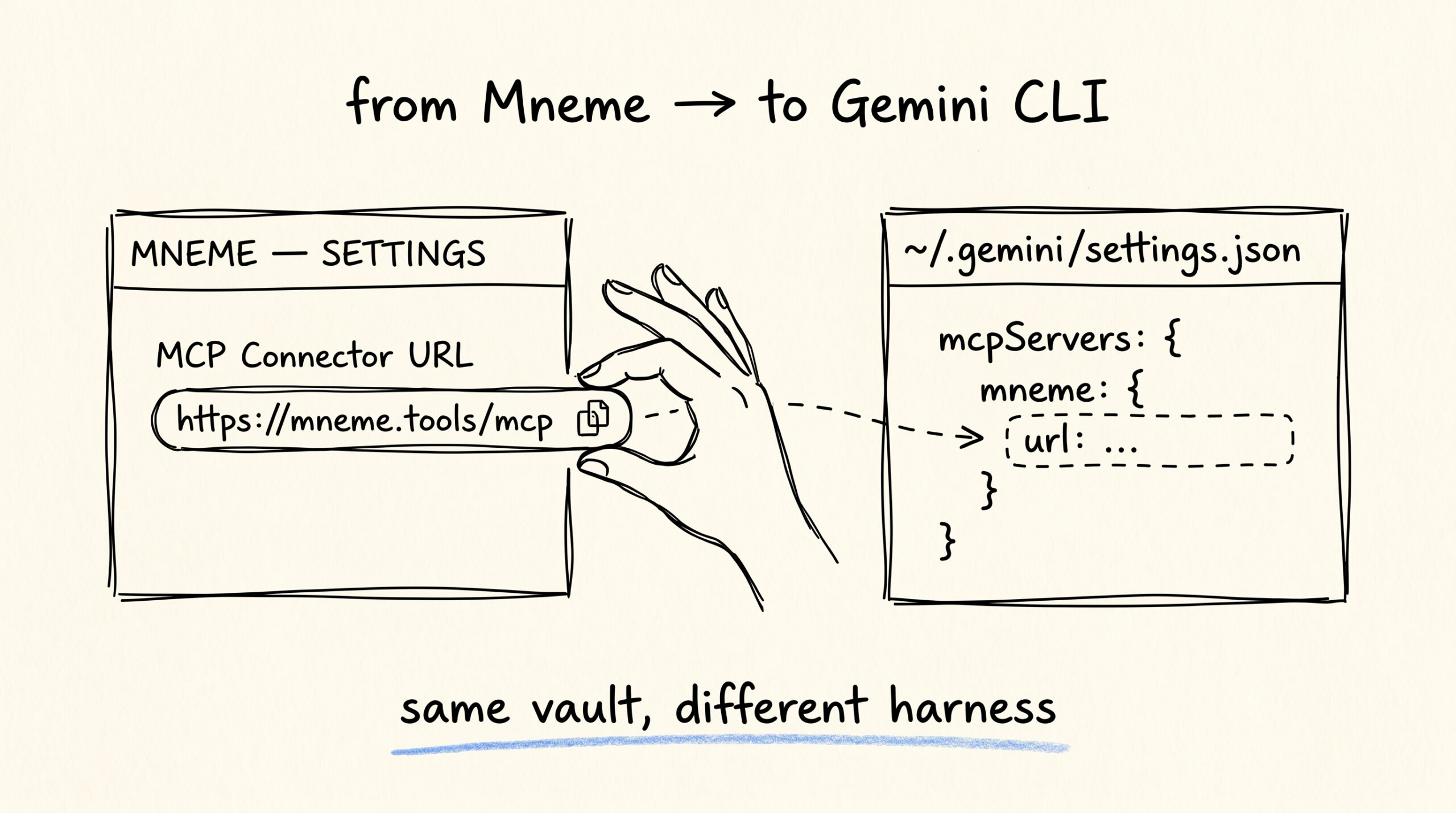
You’ve been running Gemini CLI in the terminal and the project context vanishes the moment you close it. Mneme is the fix — same vault you’d use in Claude, available to gemini too. Three minutes to wire it up. Sign in to Mneme If you haven’t already, open mneme.tools and click Continue with Google. You’re…
-
Connect Mneme to Claude Code

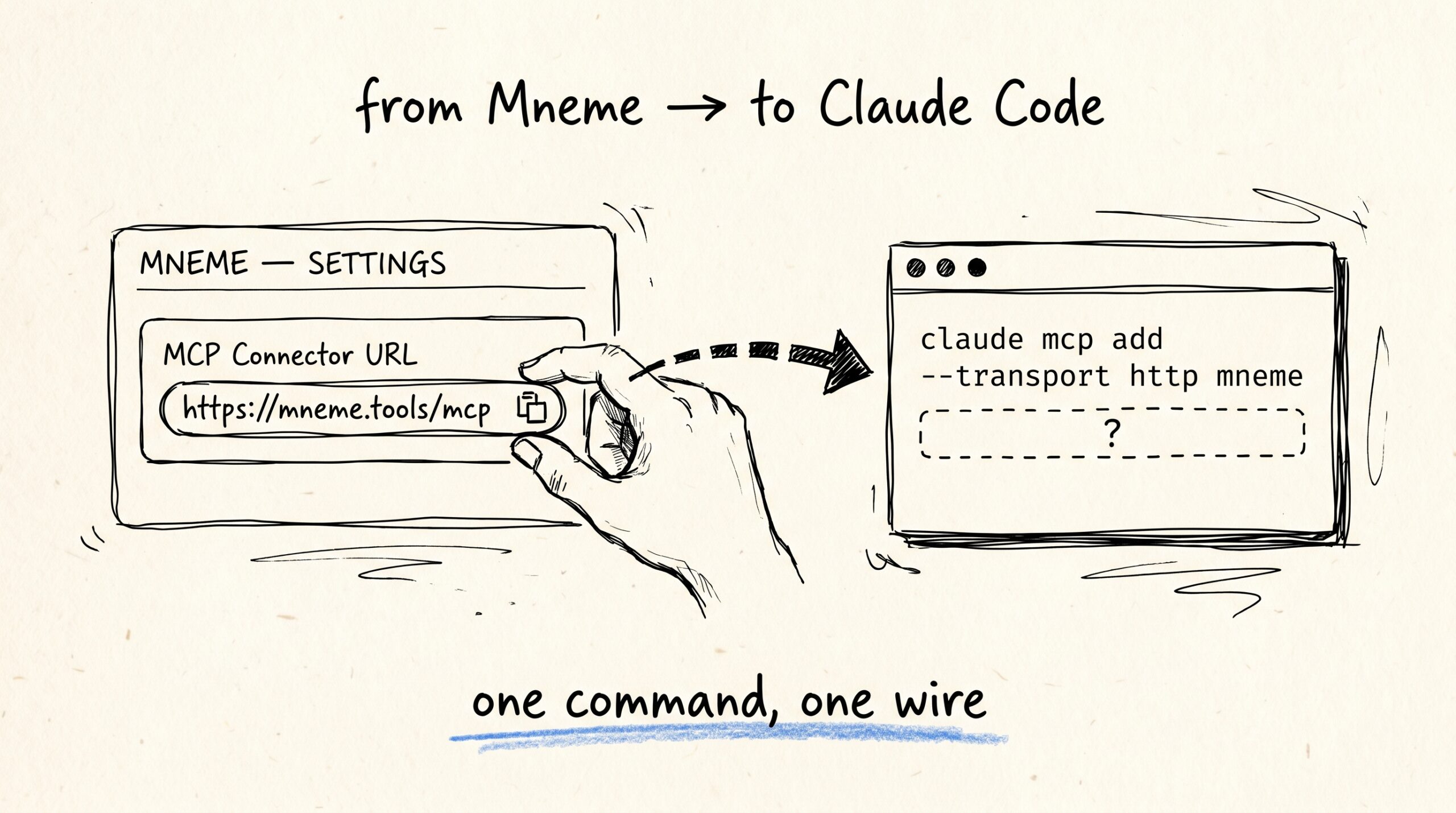
You opened a terminal in your project, ran claude, and now you want Claude Code to remember the same things your other Claudes already know — the lease, the Q3 plan, the vendor list. Three minutes, one command. Sign in to Mneme If you haven’t already, open mneme.tools and click Continue with Google. One tap…
-
Connect Mneme to Claude Desktop

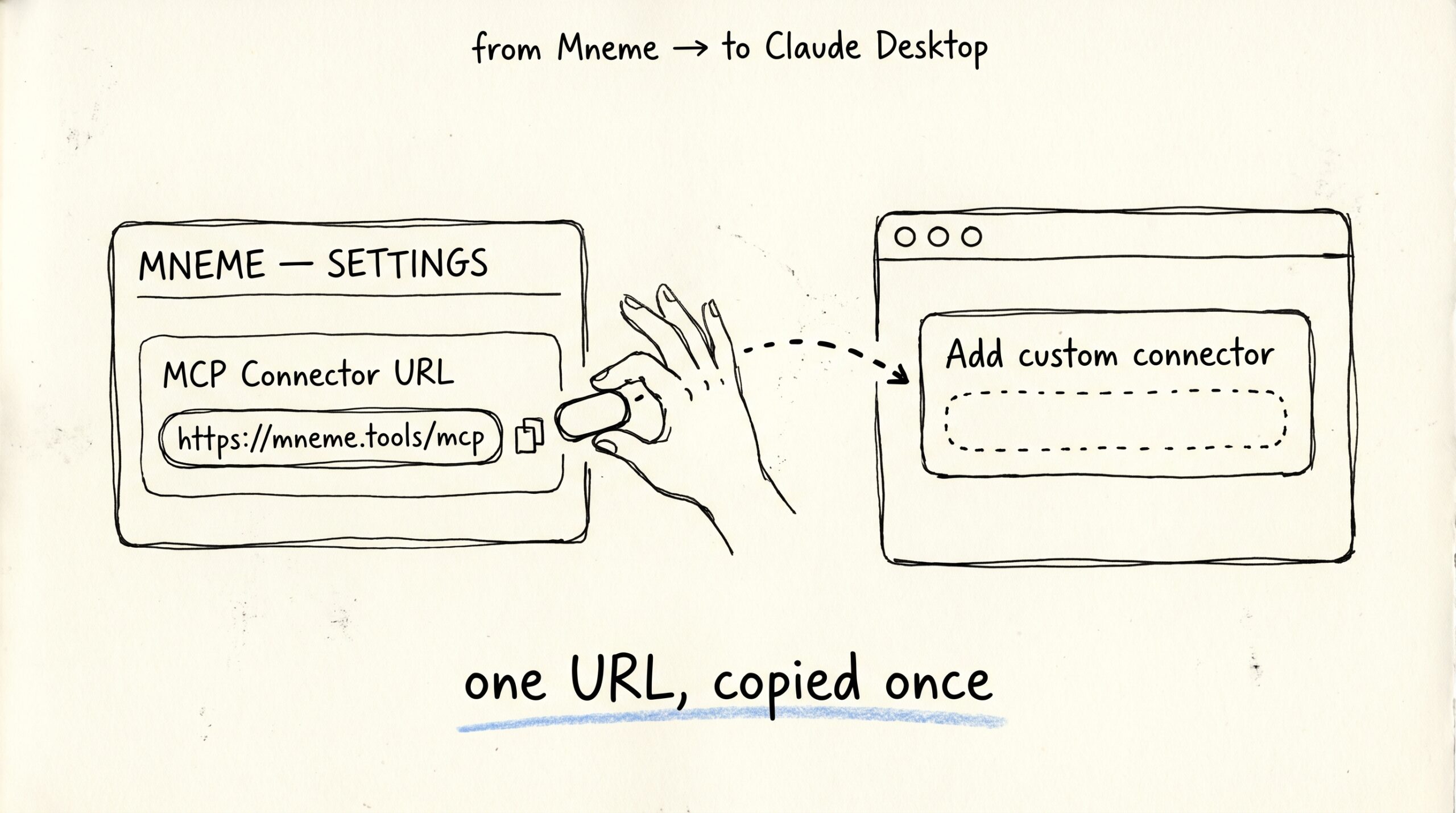
You signed up at mneme.tools. You opened Claude Desktop. There’s a connector field staring at you and you’re not sure what to paste in. This is that. Five minutes, no terminal. Sign in to Mneme If you haven’t already, open mneme.tools and click Continue with Google. One tap. You’re in. (There’s a Send magic link…
-
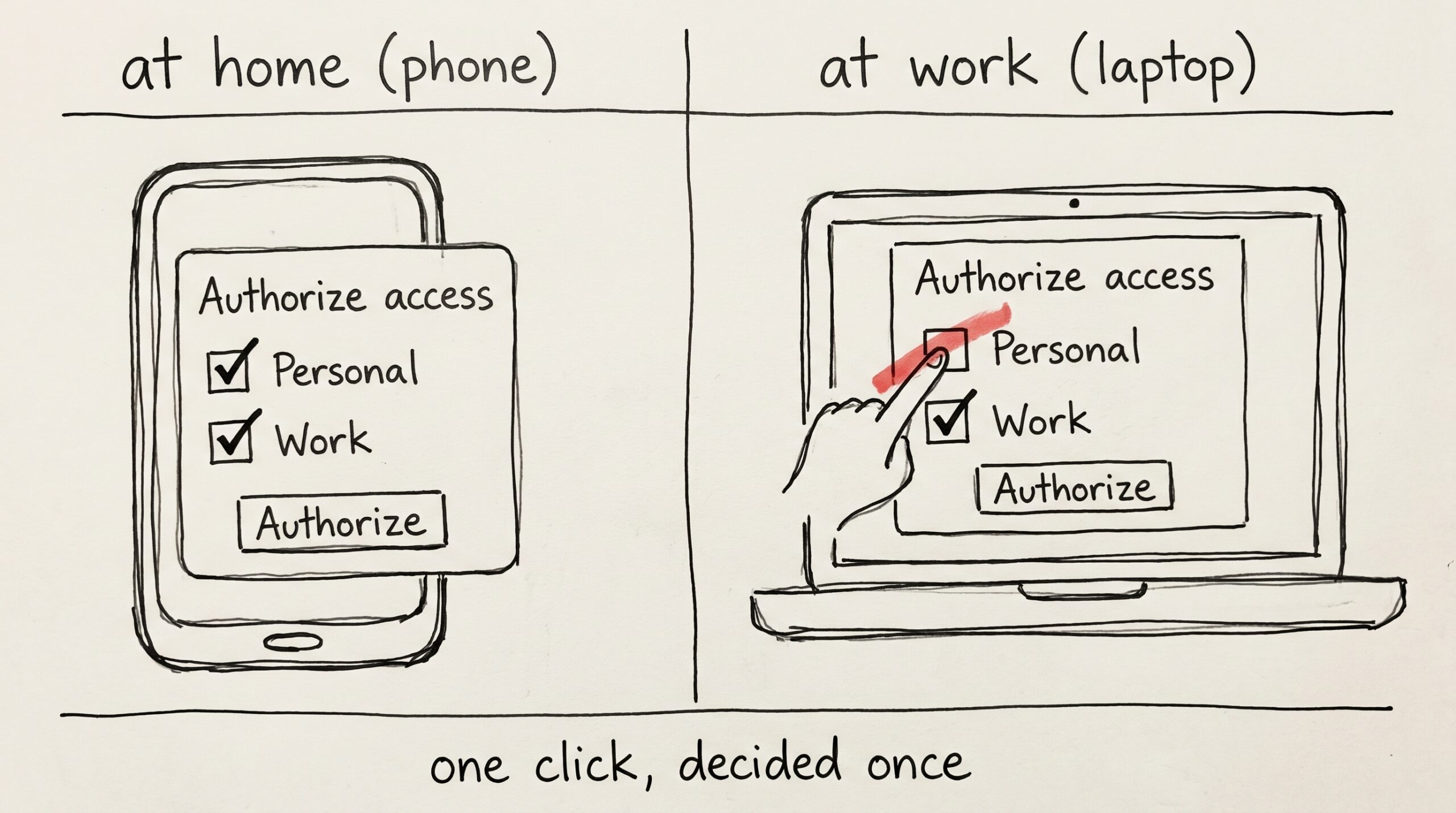
The work checkbox