You signed up at mneme.tools. You opened Claude Desktop. There’s a connector field staring at you and you’re not sure what to paste in.
This is that. Five minutes, no terminal.
Sign in to Mneme
If you haven’t already, open mneme.tools and click Continue with Google. One tap. You’re in.
(There’s a Send magic link option too if you’d rather use email. Either way, you land on the same vault.)
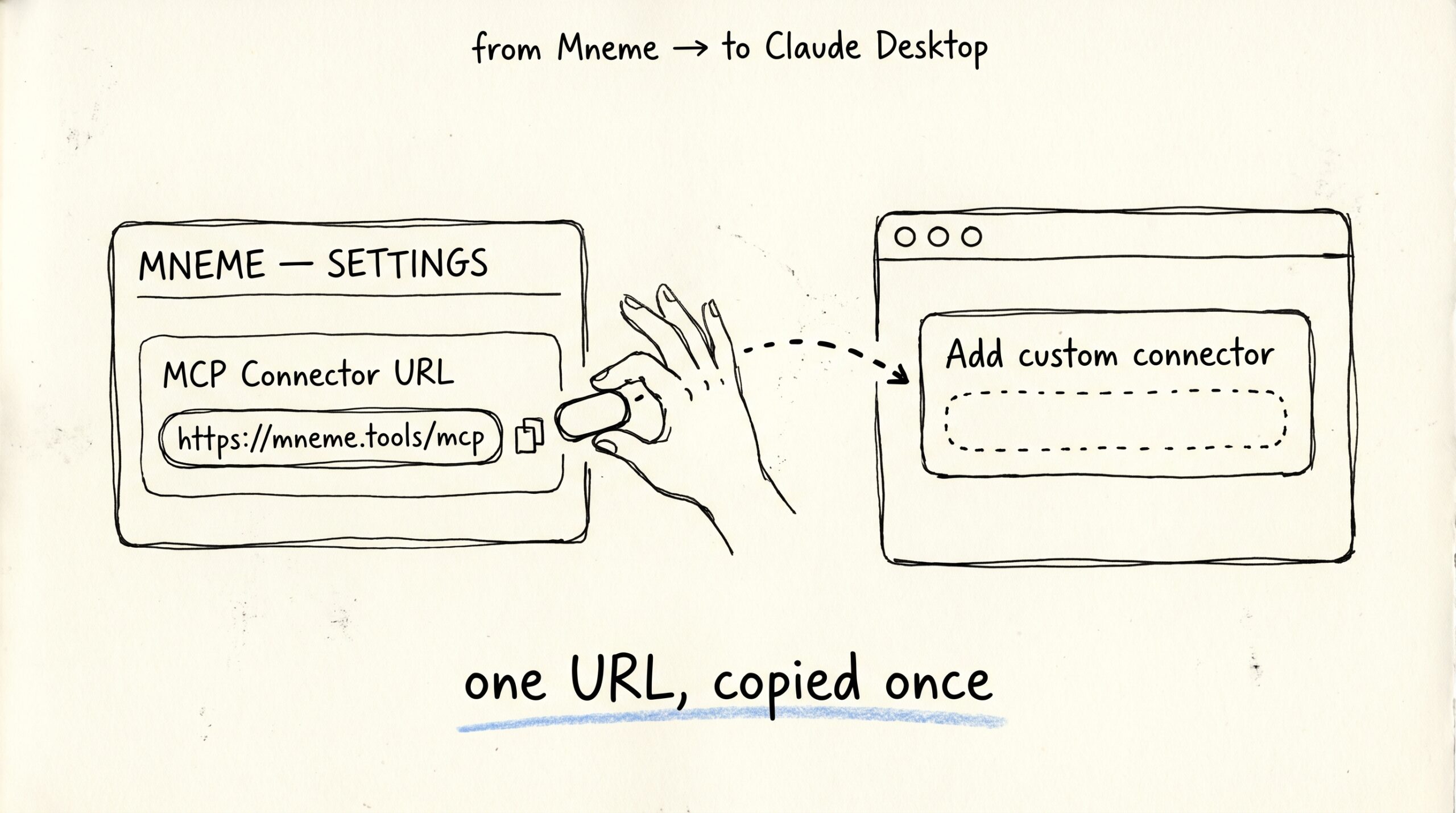
Copy the connector URL
Once you’re signed in, open Settings from the side menu. Halfway down the page there’s a field labelled MCP Connector URL. The value reads:
https://mneme.tools/mcp
Click the copy icon next to it. That’s the link Claude Desktop needs to find your vault.
Paste it into Claude Desktop
Open Claude Desktop. Go to Settings → Connectors → Add custom connector. Paste the URL. Click Connect.
A new browser tab opens. That’s Mneme answering the door.
Verify your email
The page that opens asks for your email and offers a Send sign-in link button. Type your email, click the button, then check your inbox.
Yes — even though you just signed in to Mneme with Google a minute ago. Claude Desktop is a different door, and Mneme only opens doors with proof you can read your own email. It’s not retyping your login; it’s signing the lease for this specific connector.
Click the link in the email. You’ll see Finish signing in as [email protected]. Confirm.
If you see Your account is not authorized to access Mneme — Mneme is in early access right now and accounts are added by hand. Reply to the invite email you used to sign up and we’ll add you.
Pick what this Claude can see
Now Mneme shows the Authorize access panel. Two checkboxes:
- Personal — Home, mobile, cowork — your full personal vault.
- Work — Work-tagged docs only. Enable on work devices so personal data stays private.
Both are on by default.
If this Claude lives on your personal laptop, leave them both on and click Authorize. If this Claude lives on a work computer, uncheck Personal first, then click Authorize. (Why that matters →)
The browser tab closes. You’re back in Claude Desktop.
Check it works
Ask Claude:
what’s in my Mneme vault?
If it lists something — a recent note, a file you ingested, anything — you’re connected. The five minutes are done. Mneme is now the memory layer behind every conversation you have in this Claude.
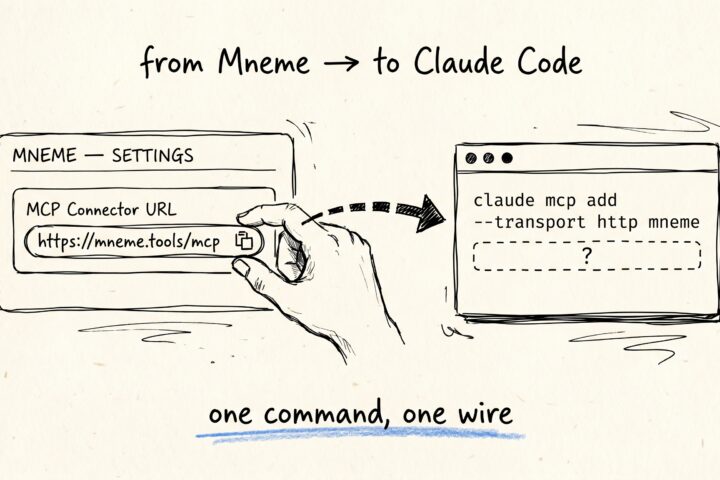
Connect Mneme to Claude Code
You opened a terminal in your project, ran claude, and now you want Claude Code to remember the same things your other Claudes already know — the lease, the Q3…
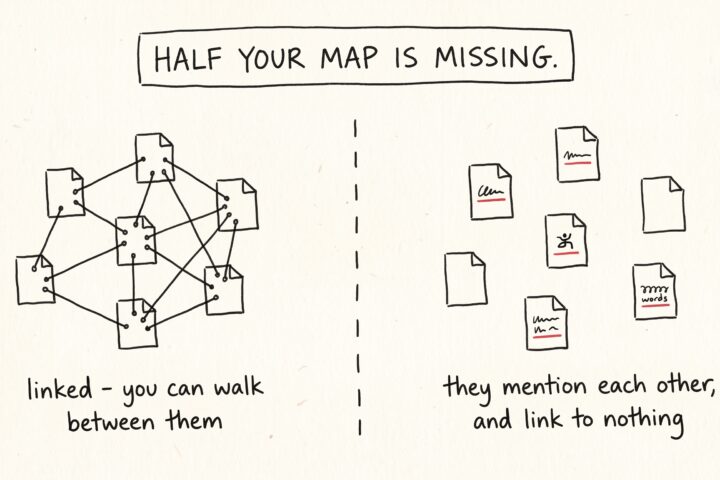
The links you never added
Open any note in your vault and read it the way a stranger would. It's full of references. A meeting note mentions a project. A recipe mentions the dinner party…