Open any note in your vault and read it the way a stranger would. It’s full of references. A meeting note mentions a project. A recipe mentions the dinner party you cooked it for. A tax note mentions your accountant, who has a page of her own three folders away.
The connections are already written down. They’re just not connected — they’re plain words, when they could be links you can follow.
The link that depends on someone remembering
Vault users know the trick: wrap a name in double brackets — [[Project Phoenix]] — and the mention becomes a doorway. Follow it and you’re on that note. Enough doorways and your notes stop being a filing cabinet and start being a map: pick any page and you can walk to everything related to it.
The problem was never making the links. It was remembering to.
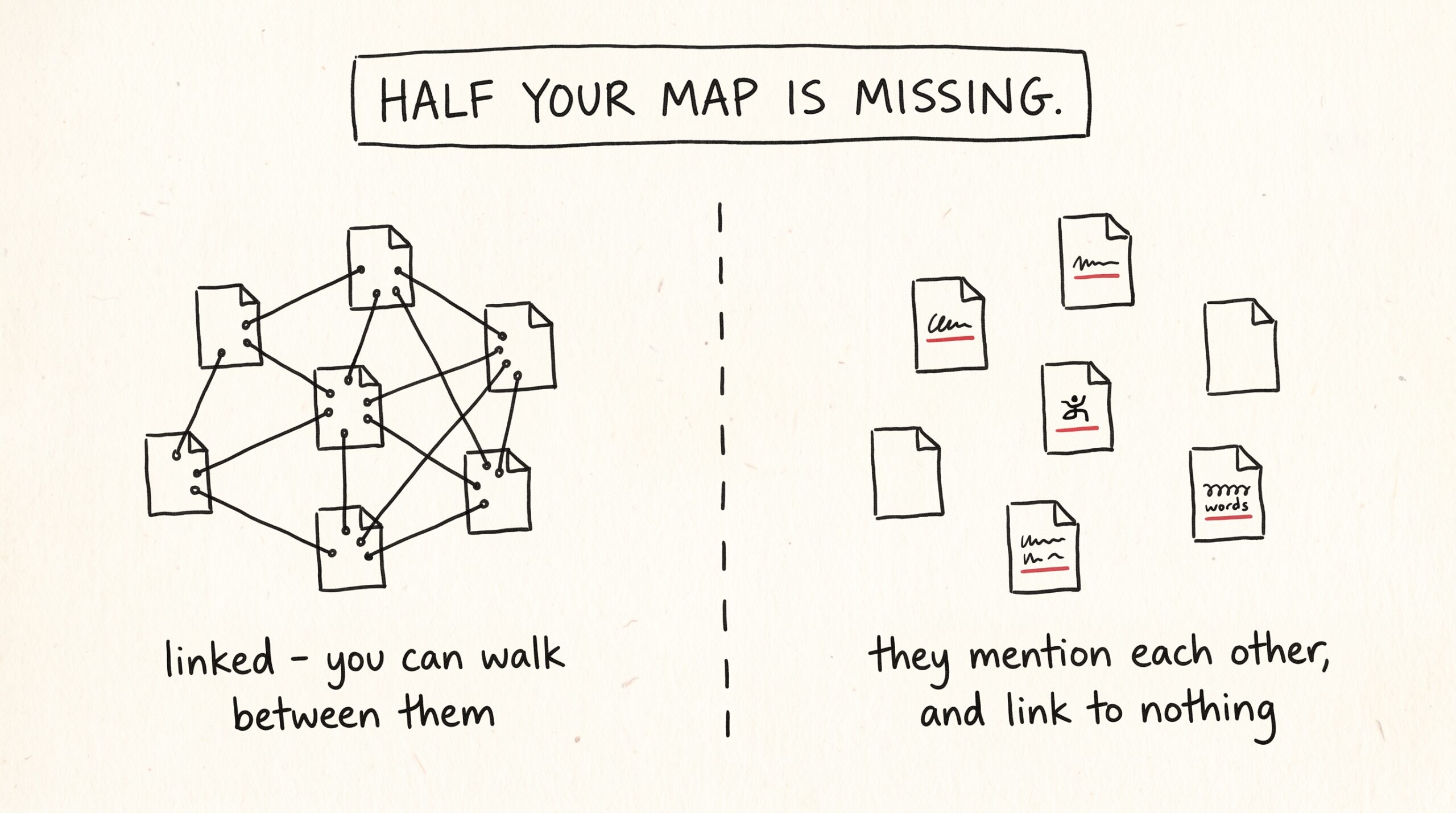
When an AI assistant saves a note for you, it’s supposed to add those brackets around anything that has its own page. Some assistants do. Some do it on Tuesdays. And some tools in some apps quietly skip the instruction altogether — not out of malice, just because different AI tools follow guidance differently. You’d never notice in the moment. You notice six months later, when half your vault is beautifully interconnected and the other half is a pile of orphan pages that mention each other constantly and link to each other never.
A map that’s half-drawn is worse than it sounds, because you can’t tell which half you’re in.
What happens overnight
Now Mneme draws the missing lines itself.
Each night, alongside its other quiet work — merging duplicate memories, distilling what it learned from your documents, keeping your routing note current — Mneme picks up the notes you’ve recently added or changed and asks a simple question: where else in the vault is this note mentioned by name, in plain text, without a link?
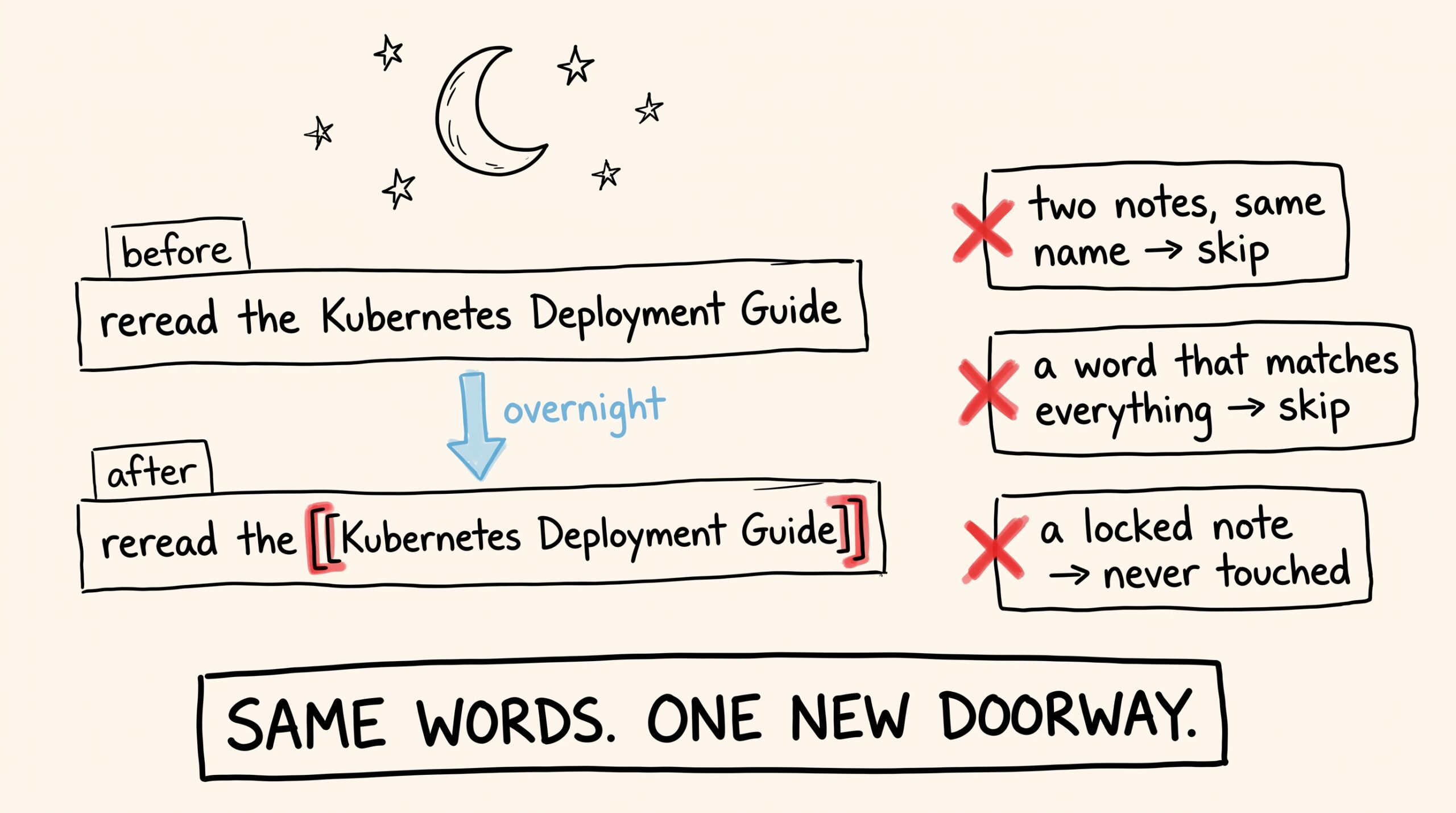
When it finds one, it does the thing you would have done: it wraps the mention in brackets. Your sentence stays your sentence — “reread the Kubernetes Deployment Guide before the migration” becomes “reread the [[Kubernetes Deployment Guide]] before the migration.” Same words, one new doorway.
And Mneme is deliberately picky about when it acts:
- If a name could point to two different notes, it does nothing. Two notes titled “Budget”? Mneme won’t guess which one you meant.
- If a word appears everywhere, it does nothing. A note titled “Notes” or “Home” would match half your vault — that’s noise, not connection, so those are left alone.
- Short names become suggestions, not edits. A three-letter acronym is easy to match by accident. Instead of editing, Mneme sets those aside as suggestions you can approve or dismiss.
- It works in small nightly batches, a couple dozen links at most, rather than rewriting your whole vault in one enthusiastic evening.
- Locked notes are untouchable. Anything you’ve protected or locked down stays exactly as you left it — Mneme won’t edit those, ever. (That promise is the whole point of the protect switch.)
No AI is asked for an opinion in any of this. Mneme only links a mention when the words on the page already match a note’s actual title — it’s careful bookkeeping, not creative guessing.
Every link is on the record
Nothing about this is silent, because it lands in the same ledger as all of Mneme’s overnight work: open the Memories page in the Mneme app and click History, and the Memory history panel slides out — “What Mneme changed, and how to undo it.”
Every link Mneme added appears there as its own entry, showing the exact line before and after the change. Not a summary — the actual sentence, with and without the brackets. You can also just ask any connected assistant “what did Mneme change last night?” and hear the same list read back.
And every entry has a Reverse button. Reversing removes the brackets and restores your original wording — even if you’ve edited the note since, Mneme finds the link it added and takes back only that. When you reverse, it asks the same follow-up it always asks:
- Reverse & re-evaluate in 30 days — the link is paused; if the mention is still there in a month, Mneme may suggest it again.
- Reverse & never suggest again — that link is off the table for good.
Change your mind later and Allow again lifts the block. You are, as ever, the only editor whose word is final.
Watching the map fill itself in
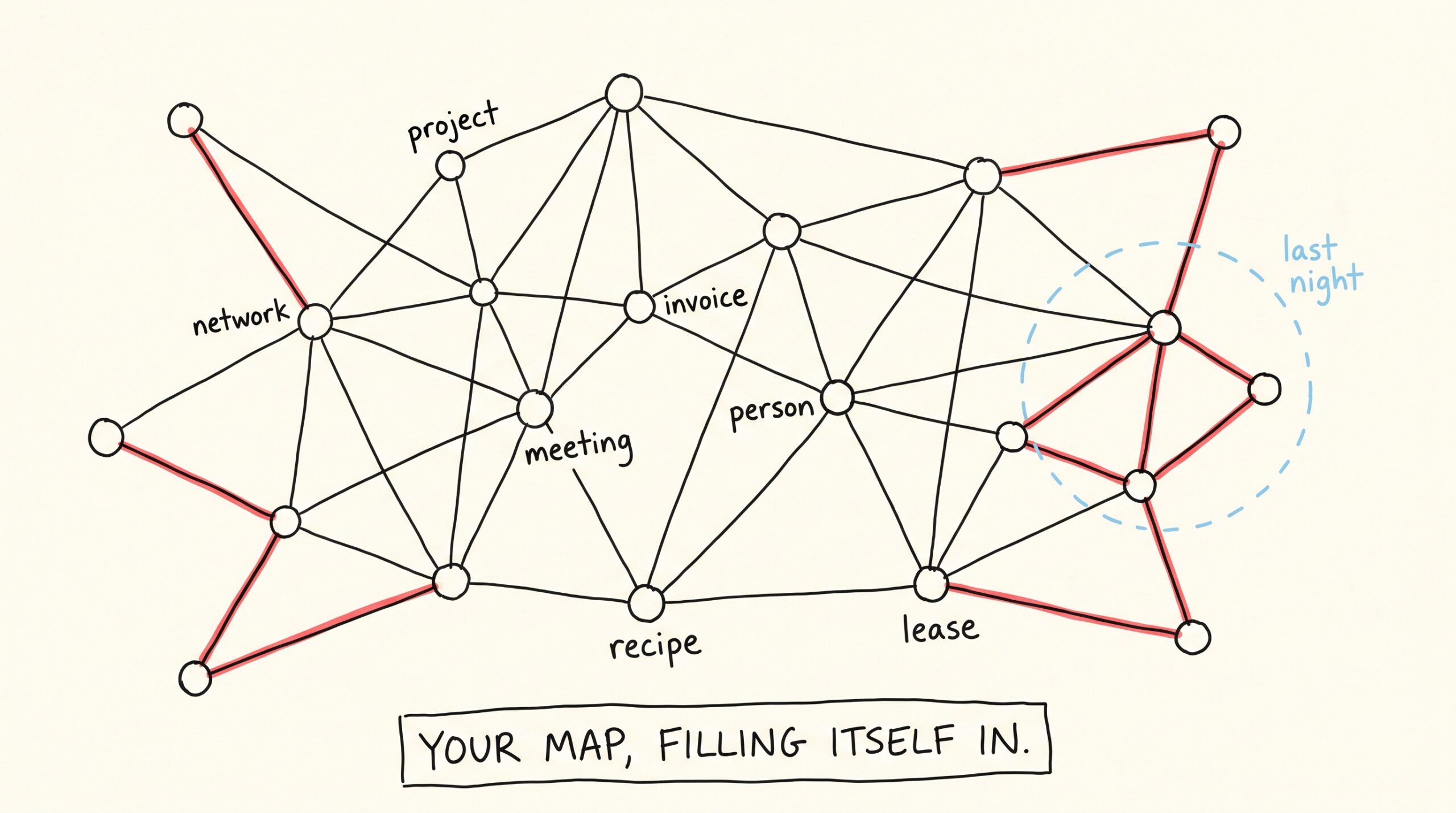
The payoff lives on the Graph page — “Connections at a glance.” Every note is a dot; every link is a line between dots. Before, that map grew only as fast as your most diligent assistant on its most diligent day. Now it fills itself in while you sleep: yesterday’s new notes sprout connections to the pages that mention them, and older corners of the vault get stitched in night by night as Mneme works through the backlog.
This matters beyond the pretty constellation. Links are how you — and your assistants — travel. Ask about a project, and a well-linked vault lets the answer pull in the meeting where you decided, the person who pushed back, and the invoice that followed, because they’re all one hop apart. Orphan pages don’t get found. Connected ones do.
The quiet promise underneath
Mneme’s job has always been to make your knowledge outlast any single AI tool — the same memories, the same notes, whichever assistant you talk to this year or next. This is that promise applied to the structure of your knowledge, not just the contents.
You shouldn’t have to care that one AI follows linking instructions and another doesn’t. You shouldn’t inherit a half-drawn map because you switched apps in March. So Mneme stopped depending on anyone remembering — including itself in someone else’s app. The mentions were already in your writing. Now the map catches up with them, every night, with a receipt for every line it draws and an undo button on each one.
You just write. The connections take care of themselves.
The note that writes itself
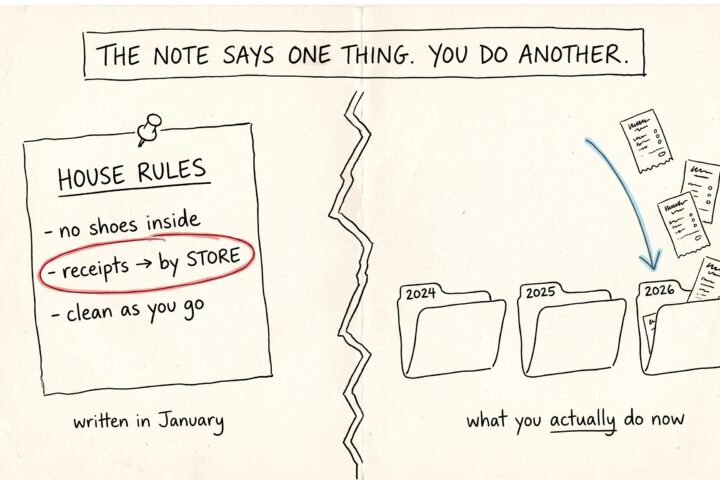
Somewhere in your vault there's a note that quietly runs everything: the routing note. It's the page your AI assistants read to learn where things go — receipts here, lab…
The two-prompt setup that makes Claude use Mneme on its own
Engineering track. This post goes deep on a setup pattern — Claude Desktop personalization plus a global ~/.claude/CLAUDE.md — that makes Mneme an ambient layer instead of a tool you…