Archive
Tag: use-case
-
-
The note that writes itself

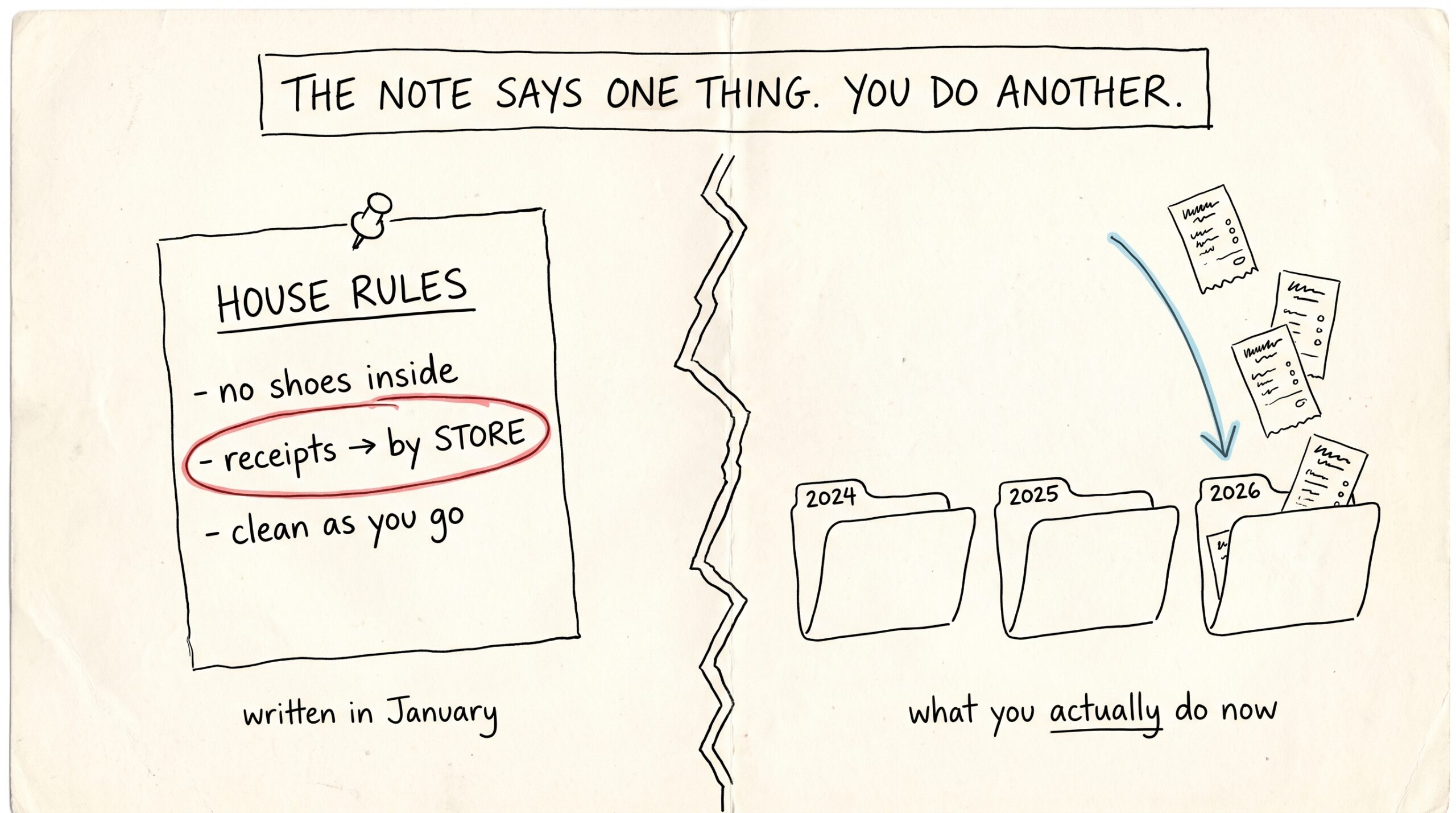
Somewhere in your vault there’s a note that quietly runs everything: the routing note. It’s the page your AI assistants read to learn where things go — receipts here, lab results there, meeting notes under this project. Every time you snap a photo or say “save this,” that note is the reason the file lands…
-
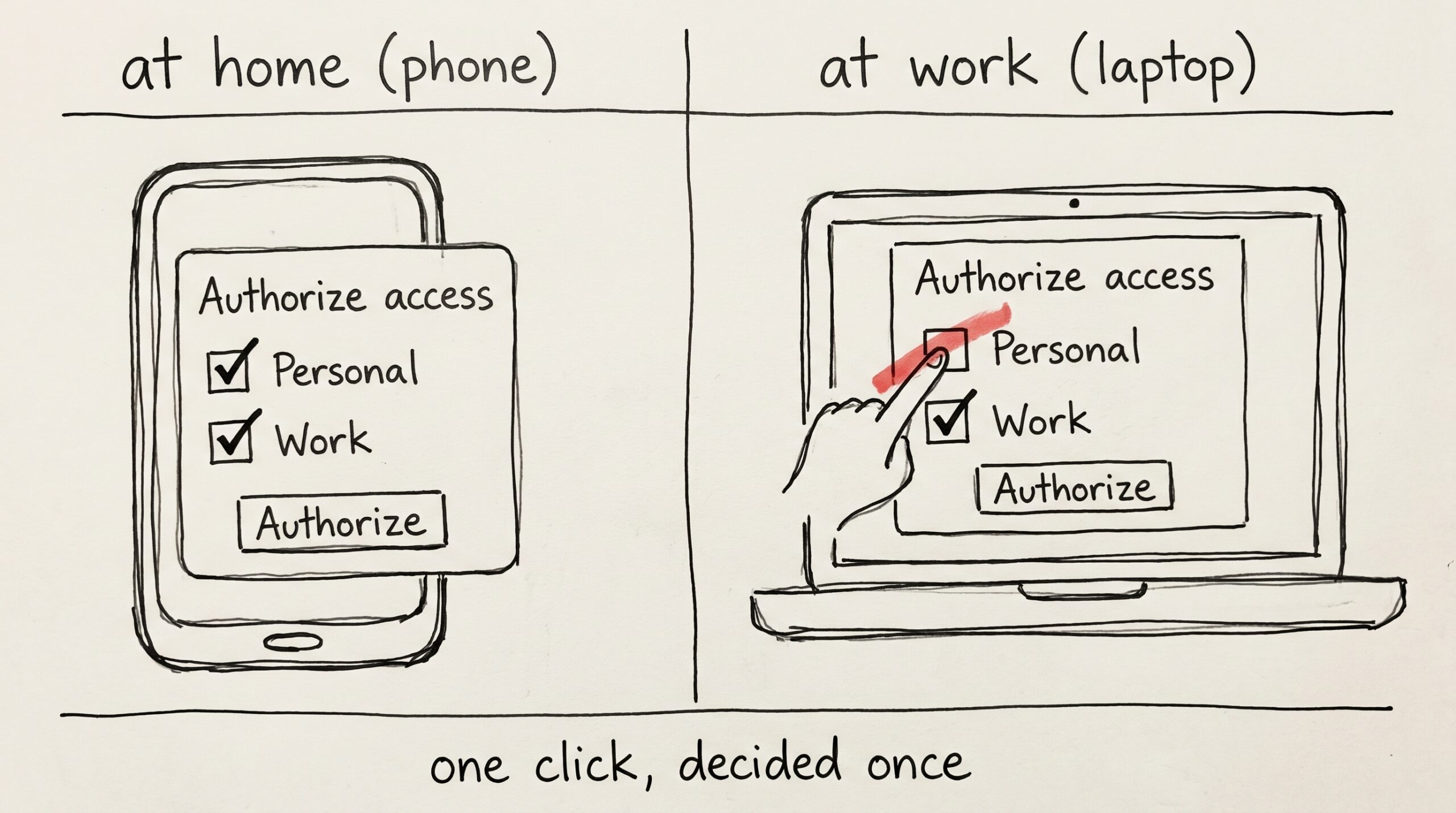
The work checkbox
-
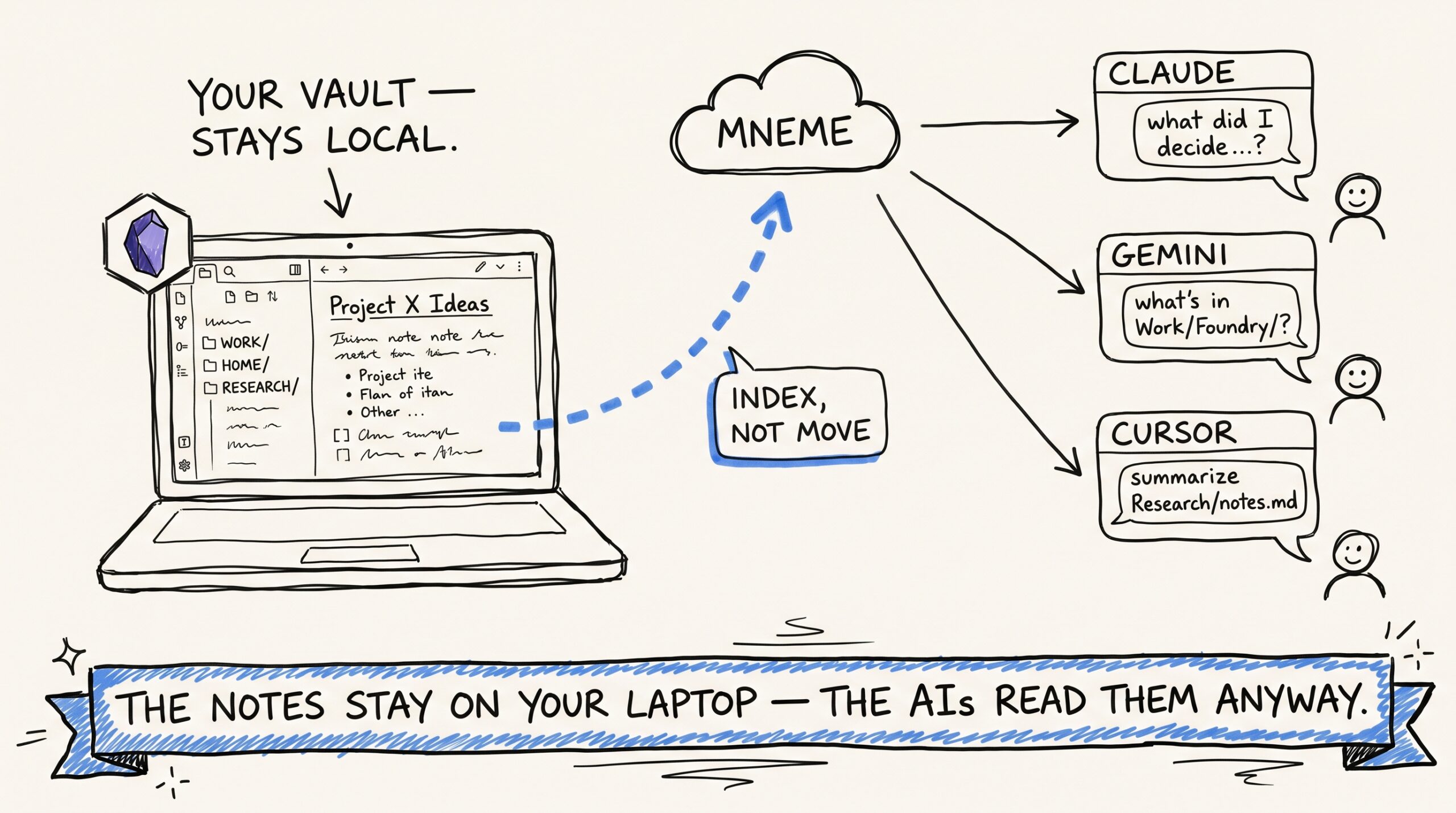
Plugging Obsidian into every AI you use — and keeping it idempotent

If you keep an Obsidian vault, you have already done the hard part of building a personal knowledge base. You’ve decided what’s worth writing down. You’ve built a folder structure that mostly survives contact with reality. You’ve accumulated some number of meeting notes and journal entries and project briefs and references that, taken together, are…
-
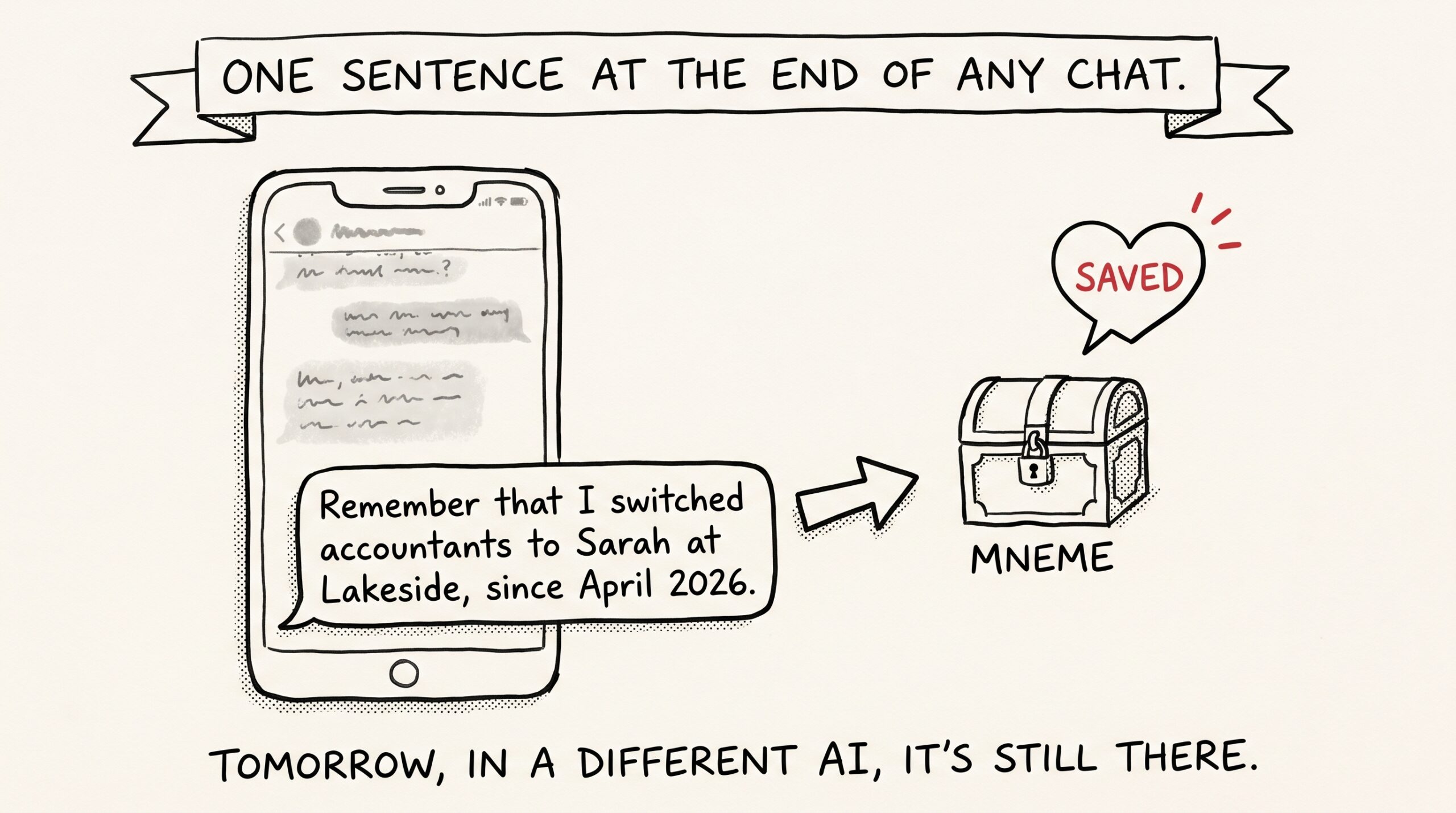
The ‘remember that…’ habit that makes every future AI conversation smarter

The smallest behavior change that makes every future AI conversation smarter is also the laziest one. You add one sentence to the end of a chat. You don’t think about where it goes. You don’t open another app. Tomorrow, in a different assistant, the thing you just told it shows up. The habit is “remember…
-
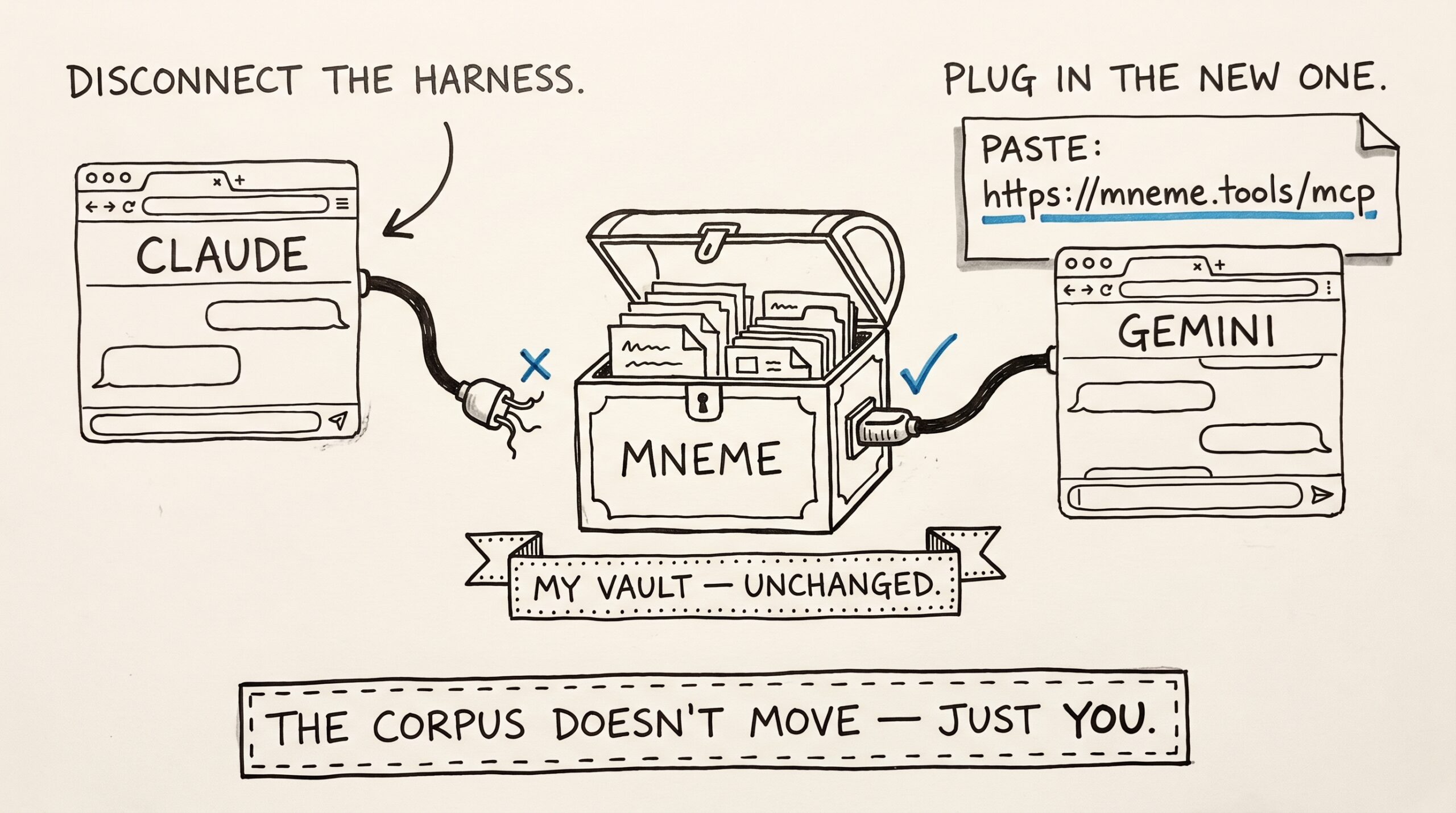
I switched from Claude to Gemini for a week. My AI didn’t notice.
-
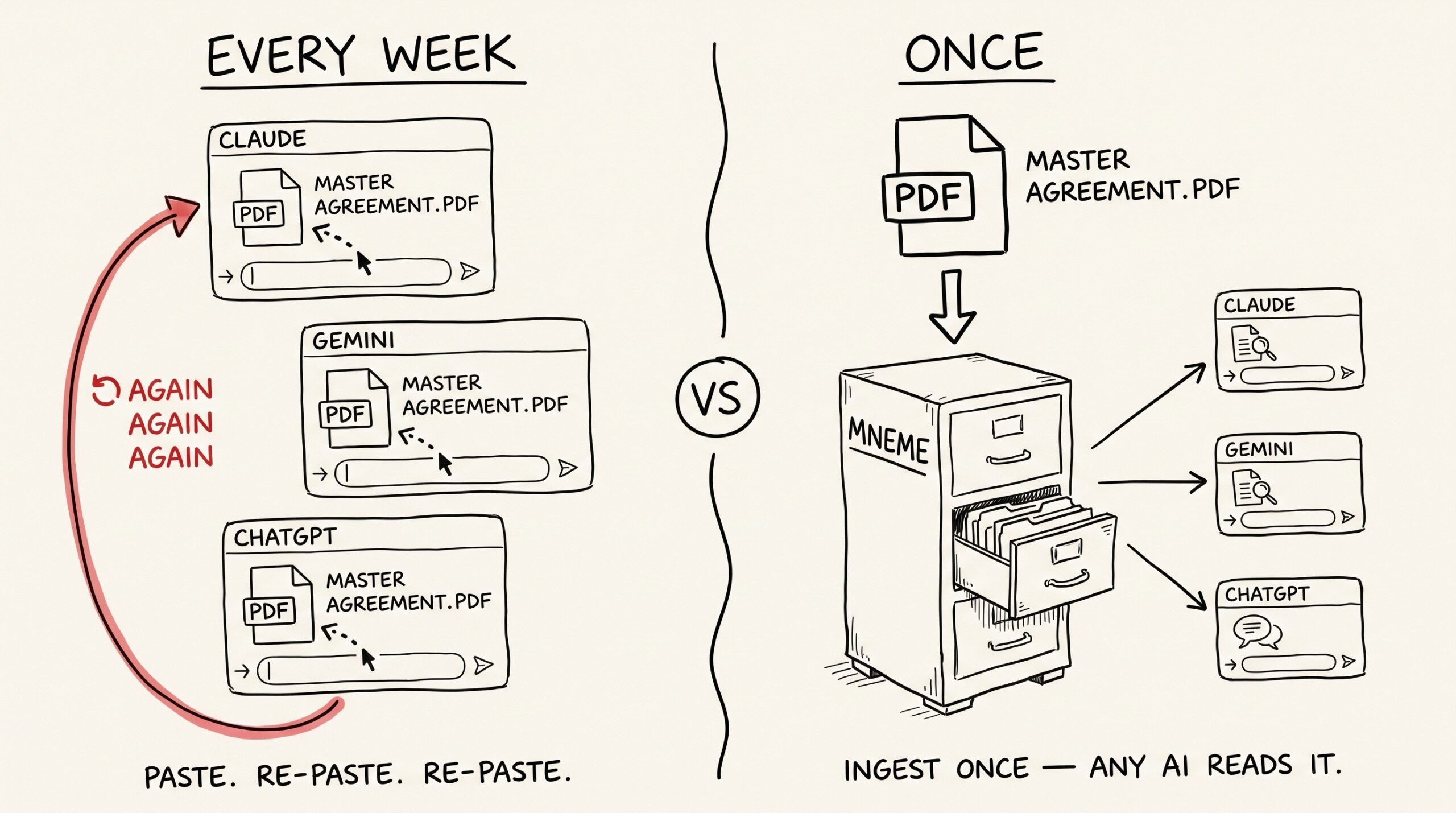
Stop pasting PDFs into Claude — give every assistant permanent access to your documents

You’ve pasted the same twelve-page master services agreement into three different chats this month. Once for the indemnification clause. Once for a question about IP assignment. Once because you forgot what the renewal terms said. Each time, the same upload, the same patient summary by the assistant, the same chat-window context burned on a document…
-
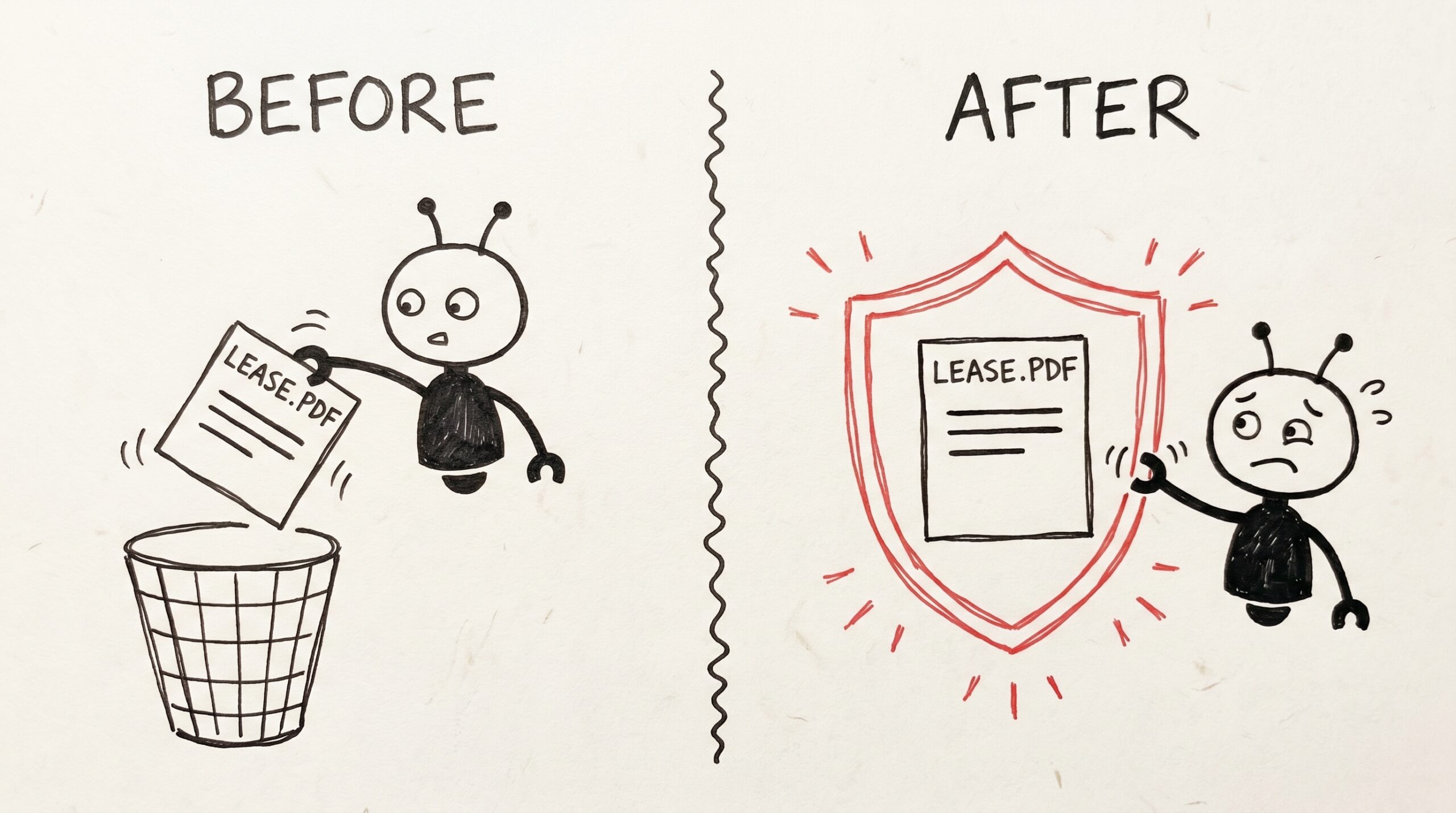
The little switch that keeps your AI from deleting the lease

You photographed the lease last March. You tagged it, you searched it twice, you forgot about it. Today you ask your assistant to “clean up old documents I don’t need anymore.” It’s helpful. It is, in fact, a little too helpful. That’s the moment Mneme’s protect flip switch is for. One toggle in the note…