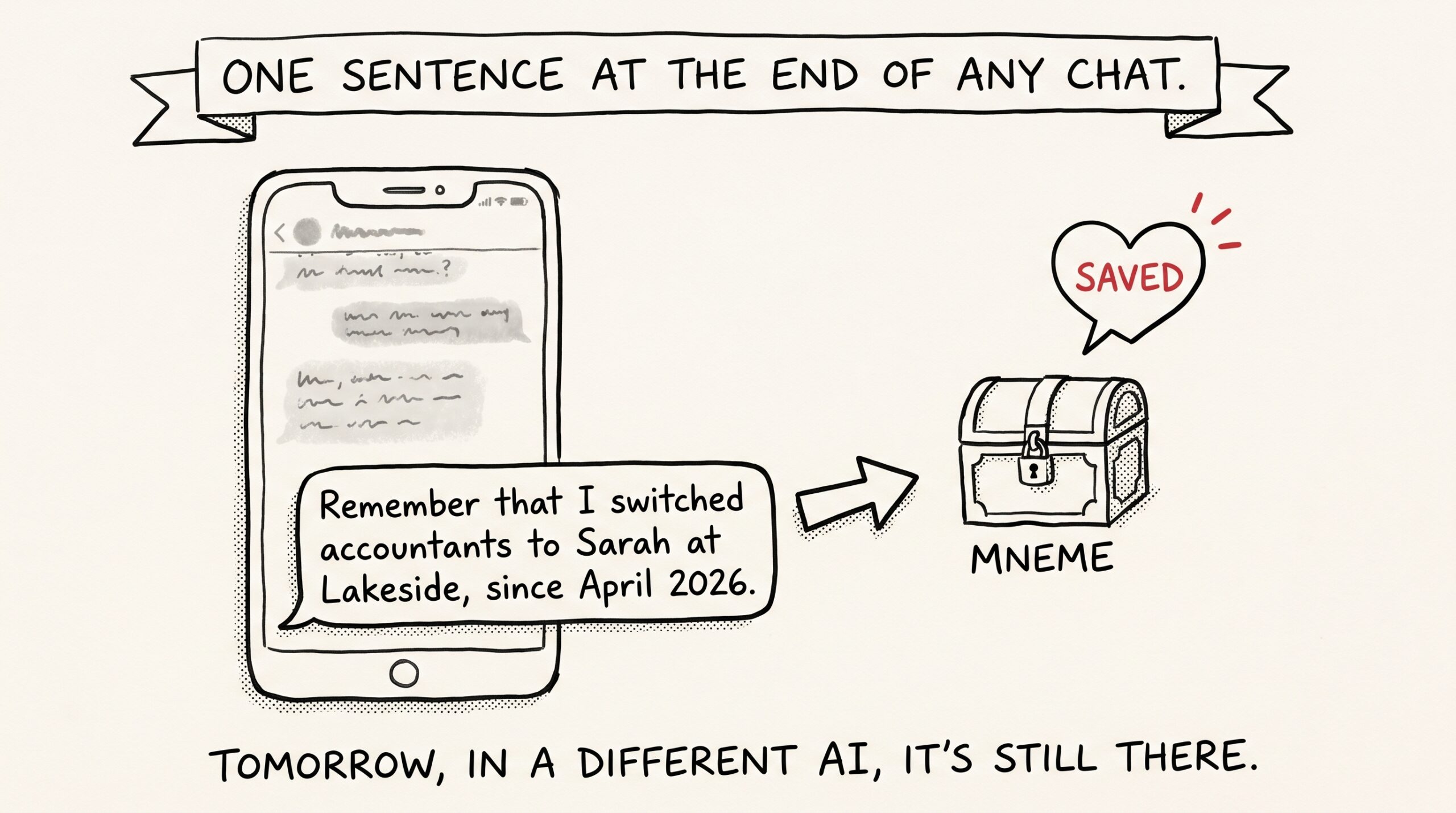
The smallest behavior change that makes every future AI conversation smarter is also the laziest one. You add one sentence to the end of a chat. You don’t think about where it goes. You don’t open another app. Tomorrow, in a different assistant, the thing you just told it shows up.
The habit is “remember that…” The result is a quiet Save memory moment that stays with you for as long as you keep the vault. This post is about why both should become reflexive.
The “remember that” behavior
You’re in any chat — Claude Desktop, Claude mobile, ChatGPT, Gemini, Cursor — and you’re about to close the window. Before you do, you type one of these:
- “Remember that I switched accountants to Sarah at Lakeside, since April 2026.”
- “Remember that I prefer pull requests bundled, not split.”
- “Remember that the dog’s vet is Dr. Imani, takes appointments only on Wednesdays.”
- “Remember that PostHog dashboards expect snake_case event names.”
- “Remember that ‘the vendor’ in our Slack means Foundry, not Cantina.”
The assistant saves it to Mneme. You moved on.
The thing that makes this habit pay off is not the act of remembering — you already do that on instinct, with sticky notes and Obsidian and your calendar. The thing that makes it pay off is that the assistant remembers it without you having to teach the next assistant.
What kind of memory you’re saving
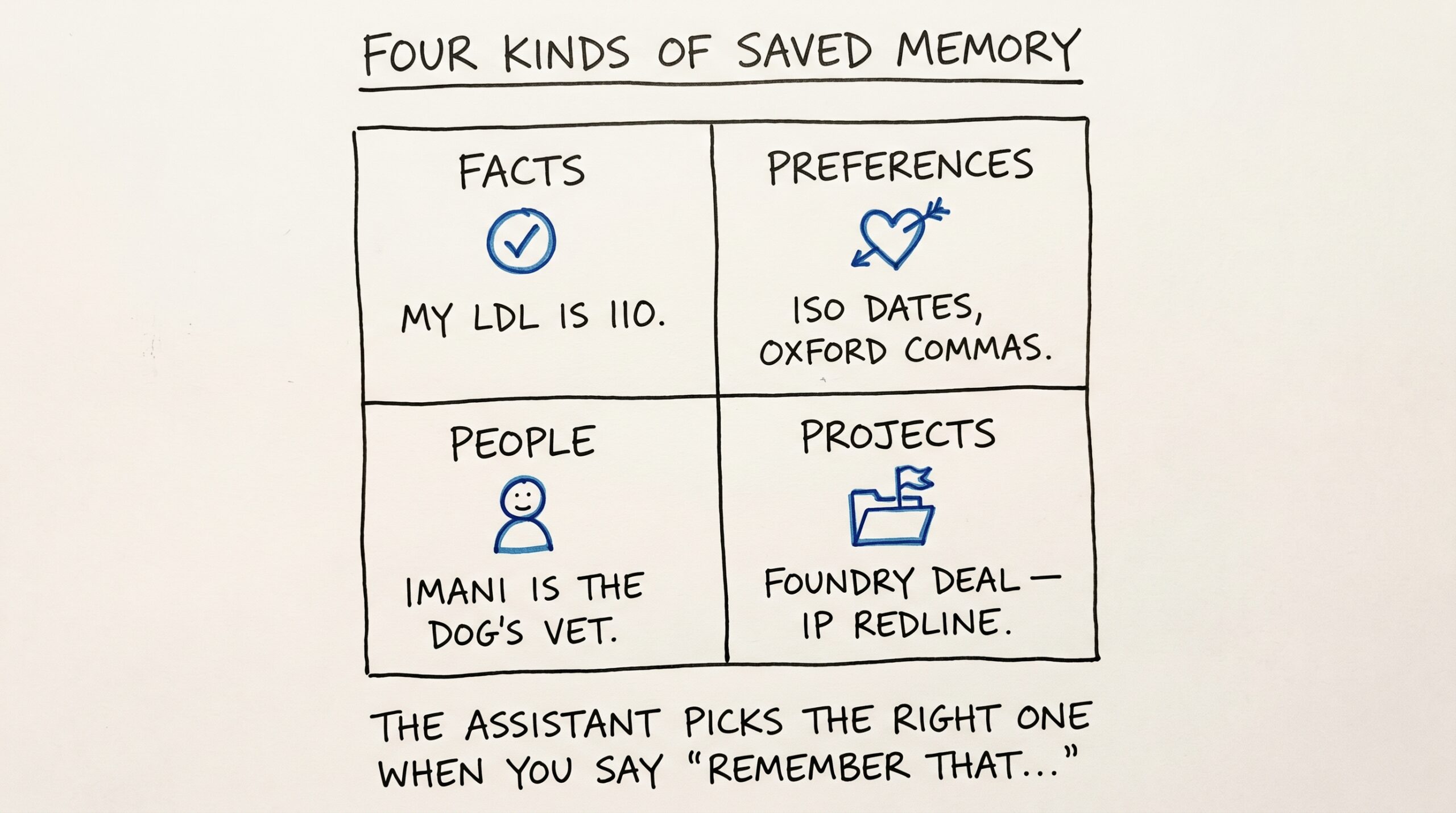
Mneme keeps four kinds of saved memory, and the assistant chooses the right one for you when you say “remember that…”:
- Facts — discrete pieces of information about the world. “I switched accountants.” “My LDL is 110.” “The lease ends March 31, 2027.”
- Preferences — how you want things done. “I prefer pull requests bundled.” “Format dates as ISO.” “Use Oxford commas.”
- People — relationships and contacts. “Imani is the dog’s vet.” “Foundry is the vendor we keep saying ‘the vendor’ to mean.”
- Projects — context about an ongoing thing. “The Q3 launch is gated on the auth migration.” “Foundry deal is in IP redline phase.”
The kinds matter because future questions can scope to one. “Show me my preferences” is a different question than “who’s Imani?” — and different from “what’s the status of the Foundry deal?” Each one wants a different slice.
When you want to see what’s been saved, open Your memories in the Mneme app. Every memory is there with its context chip and its kind, searchable, editable, deletable. That’s the receipt.
Why this beats the chat-history approach
Most AI products have some form of memory. ChatGPT has personalization. Claude has projects. Cursor has rules files. Gemini’s CLI is starting to gain context features. They all have one thing in common: the memory belongs to that product.
If your accountant changes and you tell it to ChatGPT, you have to also tell it to Claude. And to Gemini. And to whatever you switch to in 2027.
The Save memory habit puts the fact in your vault, not the product’s. The next assistant inherits it because it’s reading from the same place. The asymmetry between “the AI knows my accountant” and “this specific app has a personalization slot for accountant” is the difference between memory that compounds and memory that gets reset.
Two contexts: personal and work
Every memory has one of two contexts: personal or work. You set it when you save; you can change it later from the Your memories page in the Mneme app, or just by telling your assistant to.
Most people keep one vault and segregate by context. The dog’s vet is personal. The release-train calendar is work. The lab results are personal. The vendor list is work. When you ask the assistant something, it can scope to one context — so when you’re heads-down on a release plan, you don’t get noise about the dog.
This isn’t access control — it’s a focus filter. There’s no second account, no second login, no separate billing. One vault, two facets. The boundary is real enough to matter and soft enough that you can move things between contexts when life and work bleed into each other (which they do).
When not to use it
Memory and notes are different tools.
The Save memory habit is for short, durable facts — sentences, not paragraphs. If you find yourself wanting to save three paragraphs of detail, you want a note instead. The next post in the series goes deep on bringing whole notes in: Plugging Obsidian into every AI you use. The heuristic:
- Sentence: save it as a memory.
- Paragraph or longer: save it as a note with a sensible folder path.
- Document or photo: ingest the file itself.
The line is fuzzy in practice and that’s fine. A memory that grew into a paragraph can be promoted into a note any time. The point is to use the cheapest tool that holds the thing without losing it.
What the habit looks like after a month
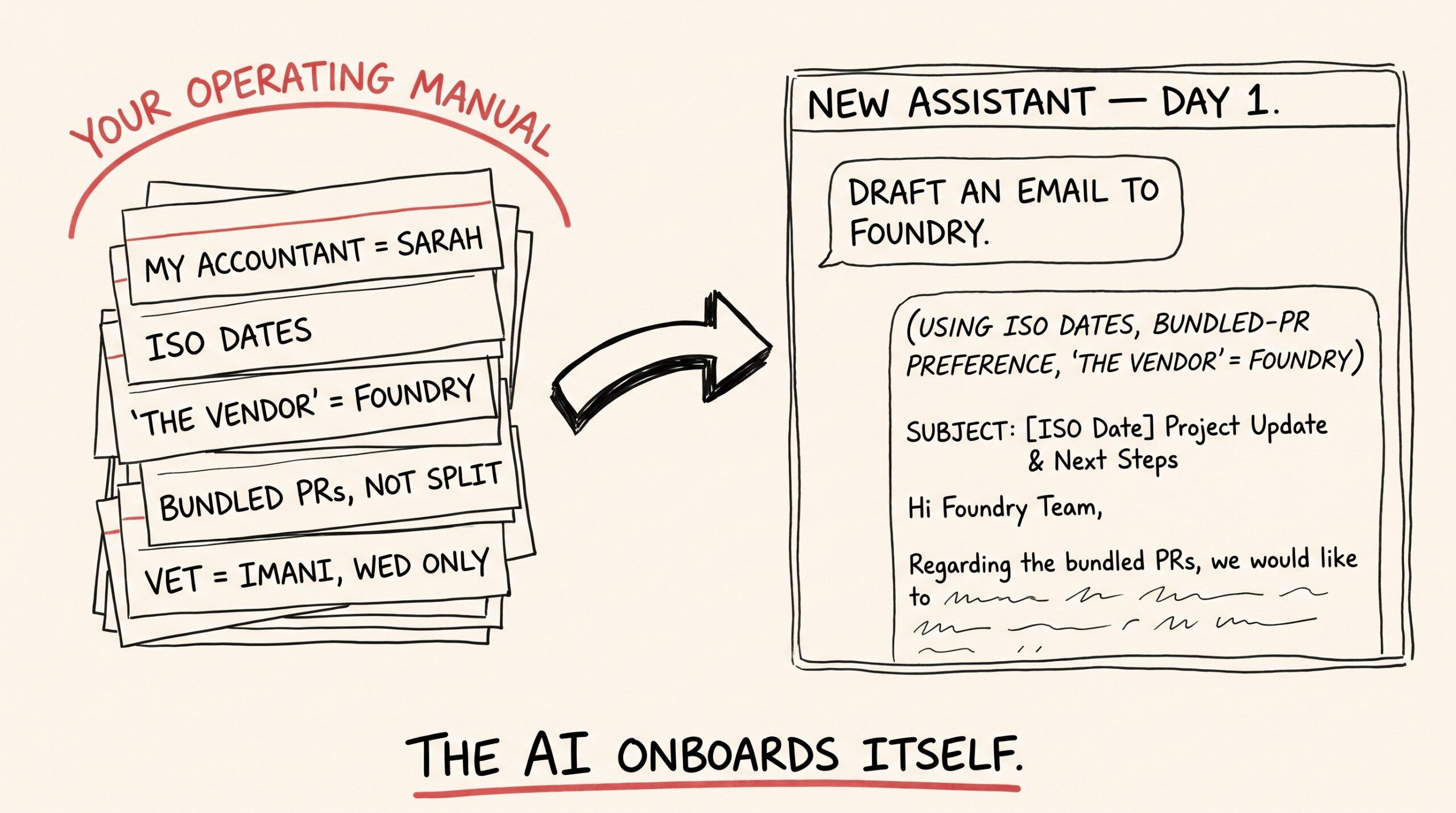
After about a month of “remember that…” tossed into the end of chats, your vault quietly accumulates a layer that’s worth thinking of as the operating manual for working with you.
By month three, every new assistant you connect inherits that operating manual on its first conversation. You don’t onboard the AI; the AI onboards itself by reading your memories. You ask Claude to draft an email to Foundry; it picks up the memory that says ‘the vendor’ = Foundry, the memory that says use ISO dates, the memory about Sarah being your accountant in case relevant — and the chat that follows is calibrated before you’ve typed your second sentence.
That’s the compounding part. Each “remember that…” is a tiny deposit. The interest is paid in shorter, more accurate, less-ramp-up conversations for as long as you keep the vault.
Things Mneme will be honest about
Memory recall isn’t deterministic. The right memory surfaces if its wording is close to how the assistant phrases its question, and a memory written in lawyer-speak won’t surface for a casual question. The fix is to phrase memories in the language you actually use day-to-day — “my accountant is Sarah” will always beat “the entity providing tax-preparation services in fiscal year 2026 is Sarah at Lakeside Accounting LLP.”
Memories drift out of date. Your accountant changes again next year. The path today is to write a new memory that supersedes the old one, then delete the stale one from Your memories. Better tooling for memory revisions is on the list, not built yet.
And there’s a fine line between helpful memory and creepy compendium. Don’t save memories about other people without thinking about it. The vault is yours, not theirs.
What to try
The starter exercise: at the end of three chats today, before you close them, type one “remember that…” sentence each. Don’t optimize. Don’t strategize. Just notice what surfaces in tomorrow’s conversations.
Within a week you’ll have an accidental operating manual. After that, the habit is self-sustaining.
The next post is about the larger version of the same idea — your full Obsidian vault as a Mneme source. Plugging Obsidian into every AI you use.
Or start your vault and tell the next assistant you open one thing worth remembering.
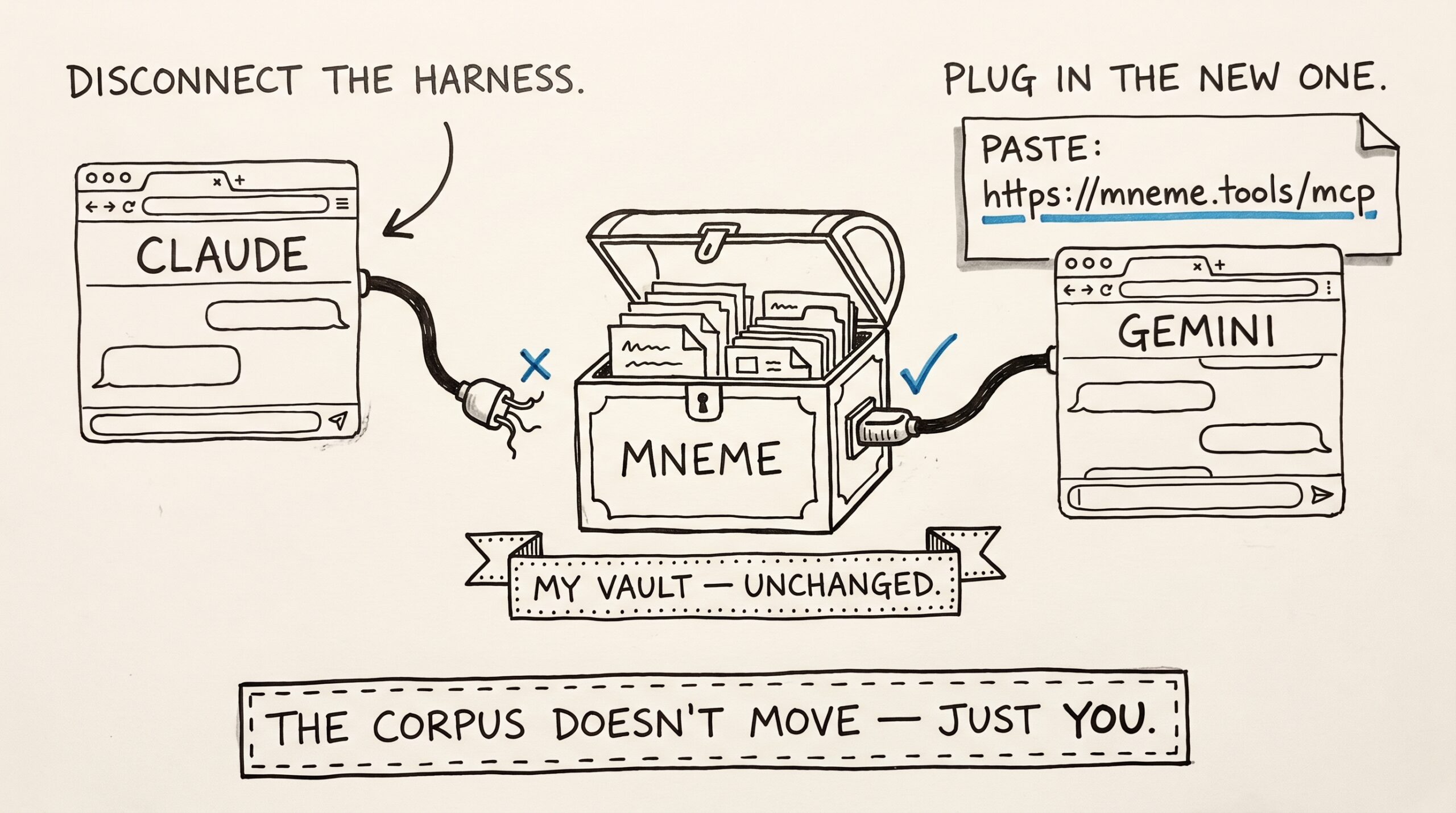
I switched from Claude to Gemini for a week. My AI didn’t notice.
A year ago I switched from ChatGPT to Claude. I'd taught ChatGPT my preferences for a year — pull-request style, the right tone for emails to my accountant, what "the…
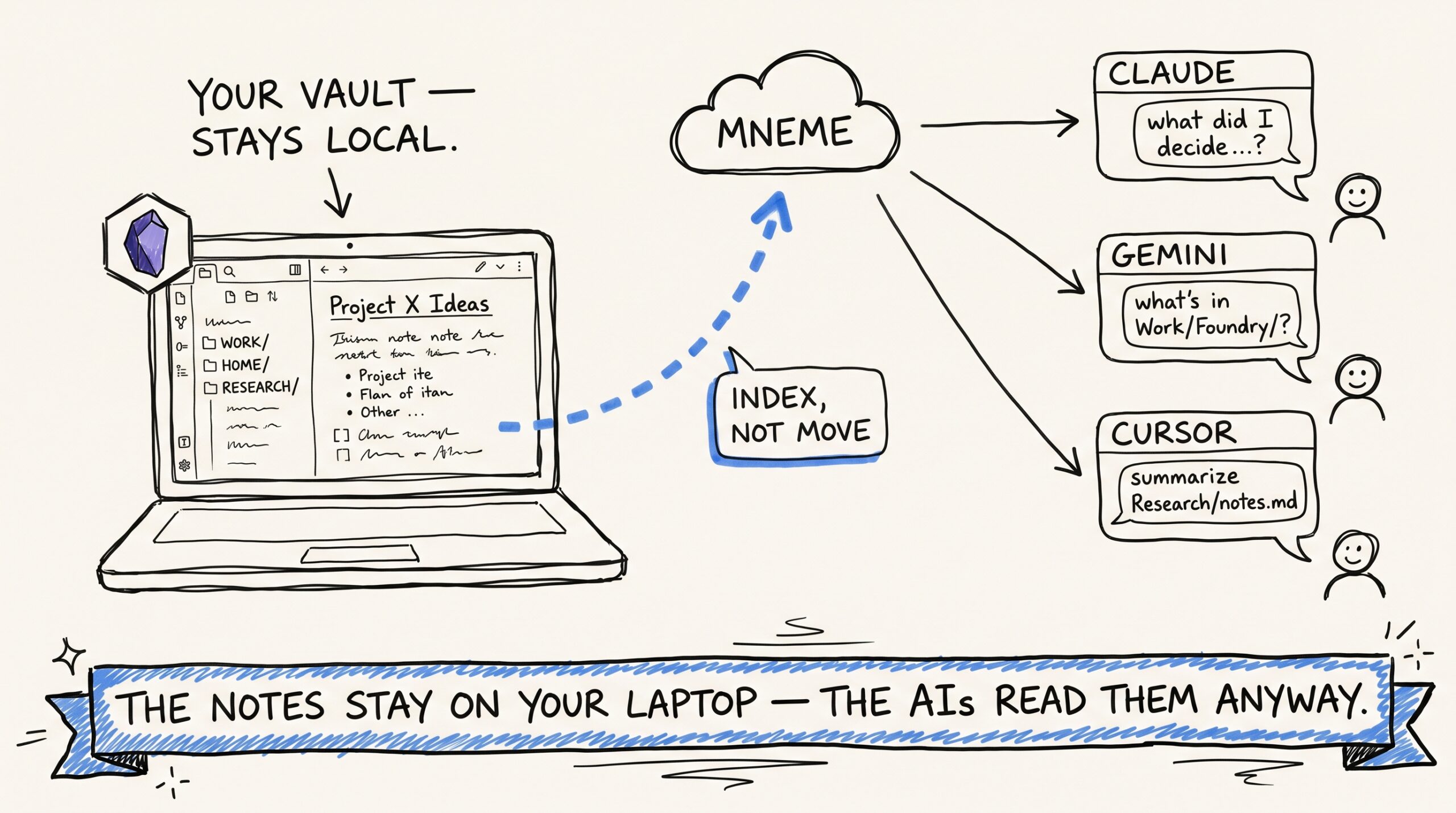
Plugging Obsidian into every AI you use — and keeping it idempotent
If you keep an Obsidian vault, you have already done the hard part of building a personal knowledge base. You've decided what's worth writing down. You've built a folder structure…