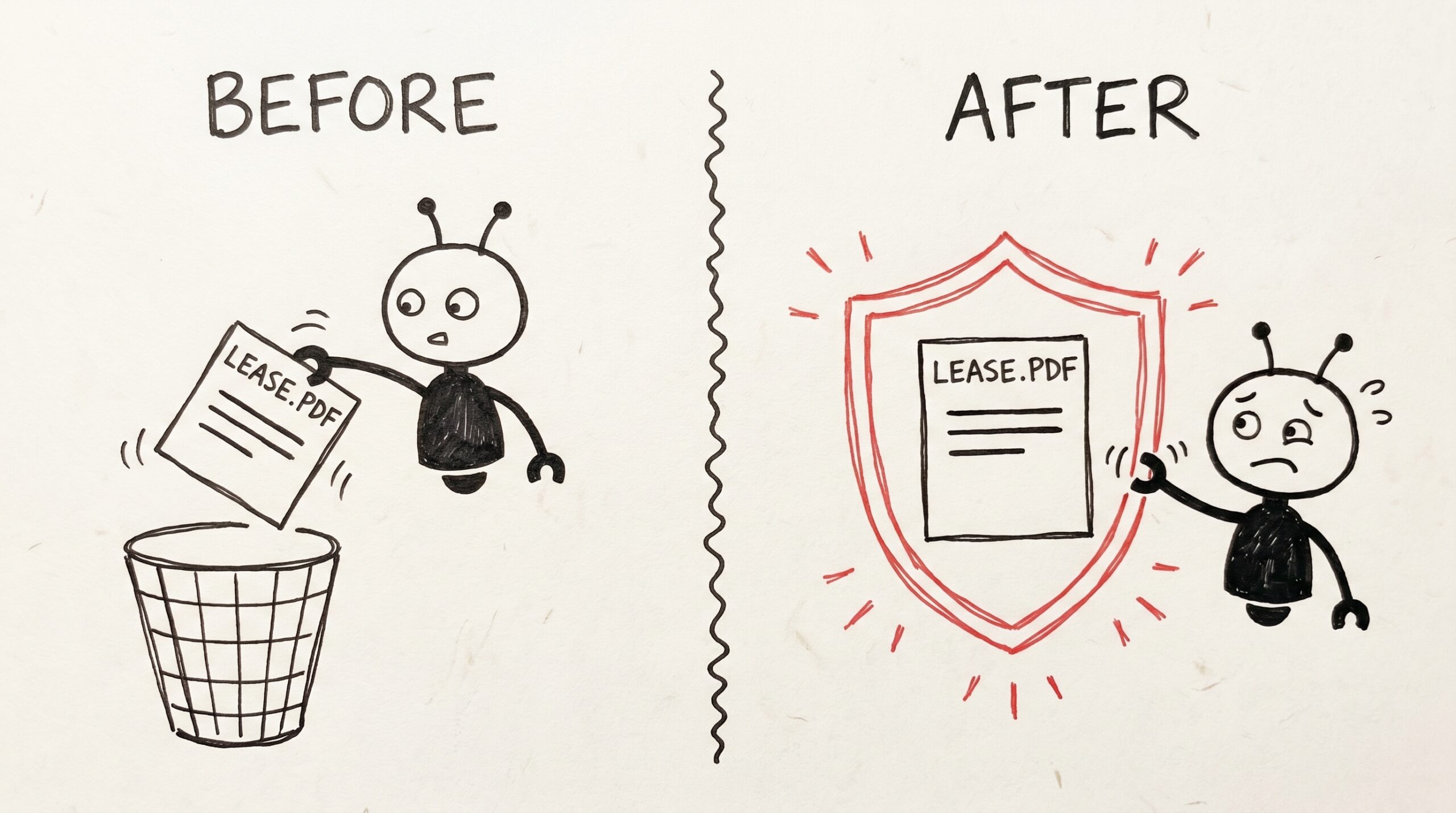
You photographed the lease last March. You tagged it, you searched it twice, you forgot about it. Today you ask your assistant to “clean up old documents I don’t need anymore.” It’s helpful. It is, in fact, a little too helpful.
That’s the moment Mneme’s protect flip switch is for. One toggle in the note preview — or one sentence to your AI — and the things you can’t afford to lose stay readable to every assistant you’ve connected, but they can’t be rewritten or deleted. It’s a small, almost boring feature. It’s also the one that makes everything else feel safe.
The protect flip switch
Open any note or memory in your Mneme dashboard — the lease, your will, the contract you signed last week, the remember that the dog’s vet is Imani memory you typed into Claude on Tuesday. The detail panel slides out on the right. Scroll to the bottom. There’s a switch labelled Protected.
Flip it on. A small shield icon appears next to the title. The Edit button greys out. A toast confirms “Protection enabled.” The words inside the note are now read-only — for every assistant you’ve connected, and for the dashboard itself until you flip the switch back.
If you’re not sitting at the dashboard, you don’t have to be. Tell whichever assistant you’re already in — “protect this note,” “lock the lease,” “protect the memory about Imani” — and it does the same thing on your behalf. The shield will be there next time you open the panel.
That’s the whole interface. There’s no setup, no rule engine, no “auto-protect after 30 days” toggle. You decide which handful of things matter, you flip the switch (or ask), and you walk away.
The comfort move: any AI can lock; only you can unlock
Here’s the part that’s genuinely clever, and the reason a two-second toggle has the weight it does.
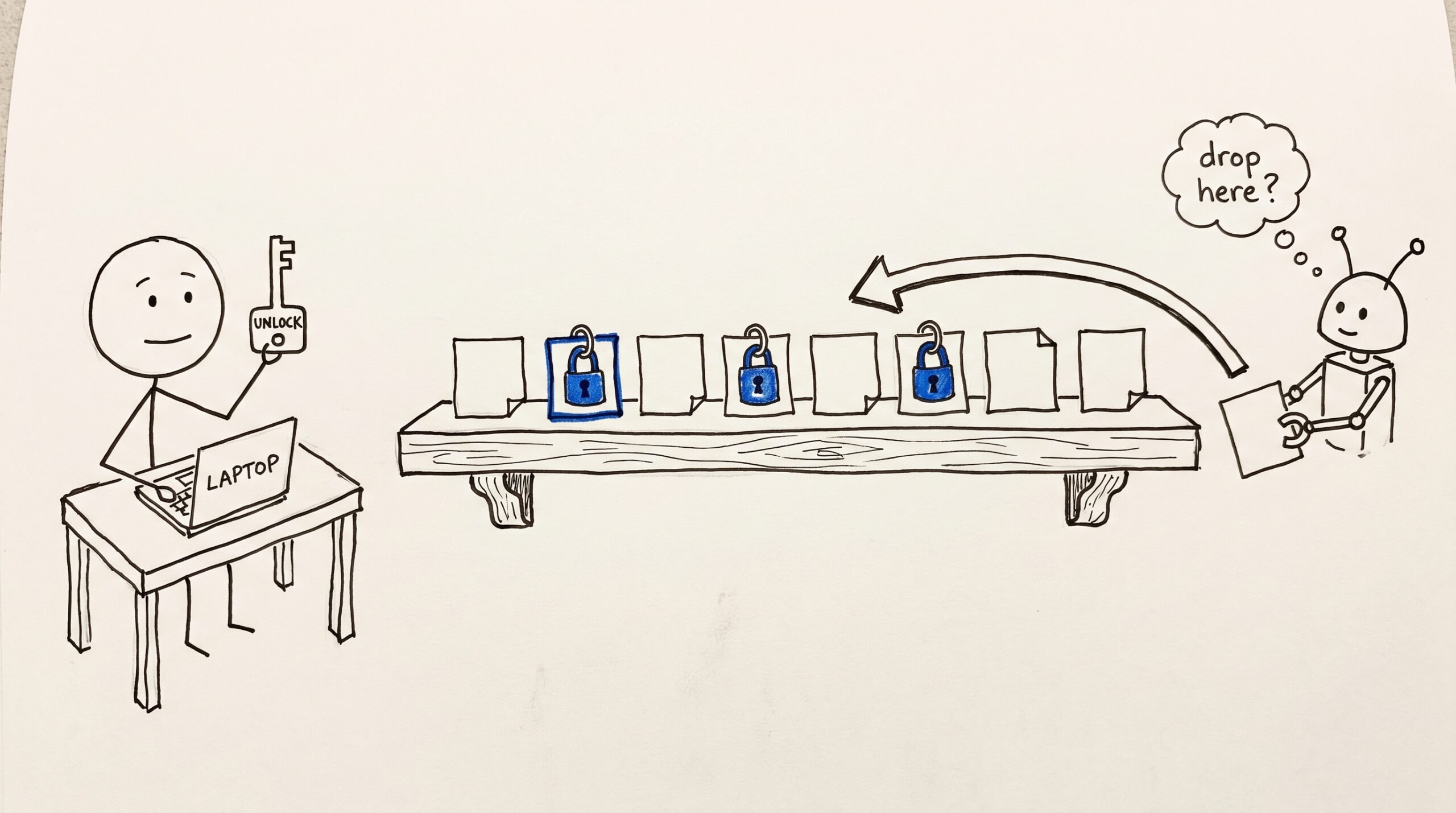
Any AI you’ve connected to Mneme can put a lock on something for you. You can be in Claude on the train and say “remember that the lease is important — protect it,” and Claude does. You can be in ChatGPT and ask it to lock the will. You can be in a future assistant that hasn’t been built yet, doing the same thing. The lock takes effect the moment the assistant calls it.
Only you can take a lock off. And only from your own Mneme panel, signed in as you. No assistant — yours, mine, or one you connected last week — can flip Protect back to off. They’re not allowed to. The switch is a door that opens in only one direction from their side.
That asymmetry is the whole point. The thing your AI is good at — acting on your behalf — is also the thing you sometimes need it to not do. Locking is something you’re happy to delegate. Unlocking is something you want to do yourself, deliberately, sitting at your laptop. The switch is shaped like that distinction.
What stays open, what stops
Locking a note doesn’t freeze the whole thing — it freezes the part that matters.
What an assistant can still do on a locked note:
- Read the words. Quote them. Search across them.
- Change the labels around it when you ask — rename it (“Lease.pdf” → “Apartment lease — 2026”), add or remove tags, move it between folders, switch it between personal and work.
What an assistant cannot do on a locked note:
- Rewrite a single word inside. If it tries — even with a “small fix” — it gets a polite refusal.
- Delete it. Not in passing, not in cleanup, not by accident.
- Take the lock off. That part is yours alone, from the dashboard.
The line is “the labels around it stay live; the words inside it are frozen, and only you hold the key.” That’s usually exactly what you want. You want the lease findable, retitled, retagged — and you want every word of every clause to be the way the landlord signed it.
The four things worth locking on day one
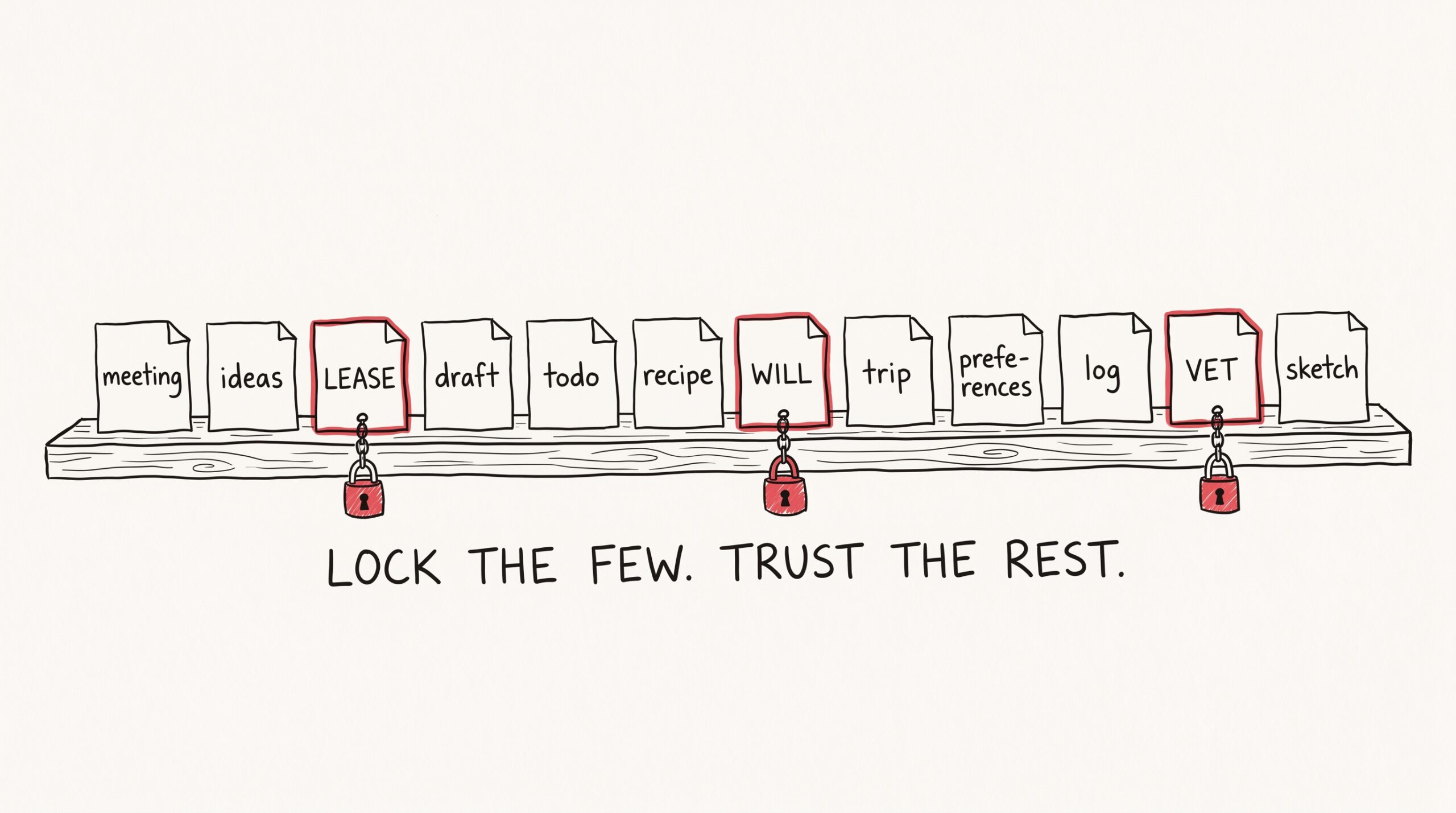
You don’t need to lock everything. You shouldn’t. The whole point of giving your AI a memory is that it can rearrange, summarize, and rewrite the ordinary notes — the meeting transcripts, the half-finished thoughts, the “remember that I prefer pull requests bundled” notes that change as your preferences change.
But there’s a small set of things that should never get auto-revised. A starter list:
- The lease, the deed, the will, the prenup. Anything where the wording is the legal artifact.
- Active contracts. The Foundry SOW, the freelance agreement, the venue contract for the wedding.
- Medical records and lab results. The PDF the lab actually sent. Your AI can summarize it; the original stays untouched.
- A handful of irreplaceable memories. The dog’s vet is Imani. Mom’s birthday is October 4. The emergency contact is Sarah, 555-0140. Things that are quietly load-bearing and that you never want a clever assistant “improving.”
Five locks, give or take. The rest of your corpus stays free to move, summarize, and grow.
What Mneme does not pretend to do
Two honest notes, because nothing earns trust faster.
Protection is comfort, not encryption. The Protected switch is a guardrail against an over-eager AI agent and against your own accidental clicks. Mneme does not pretend to be a vault. It does not pretend to be a legal hold. If you delete your Mneme account, locked notes go with everything else — that’s your account, your call, you’re standing at the kill switch yourself.
Protection isn’t forever-by-default. The shield stays on until you flip it off, sitting at your dashboard. Mneme does not auto-unlock after a year, does not nag you to review locks, does not introduce expiries you didn’t ask for. The locked thing is locked exactly as long as you want it to be — no longer, no shorter.
Both of those, on purpose. Mneme is comfortable to use because the rules are short.
Try it on one thing this week
Open Mneme. Find the one note that, if you saw your AI delete it tomorrow, would actually ruin your week. Flip the Protected switch. Notice the shield. Close the panel.
That’s it. That’s the whole feature, and that’s the whole exercise. The next time you tell your assistant to “clean up old documents,” you can do it without a small voice in your head saying “wait, what about the…”
The voice gets quiet. The AI gets to be helpful. You get to sleep.
Start your vault and flip the switch on the first thing that would ruin your week to lose.
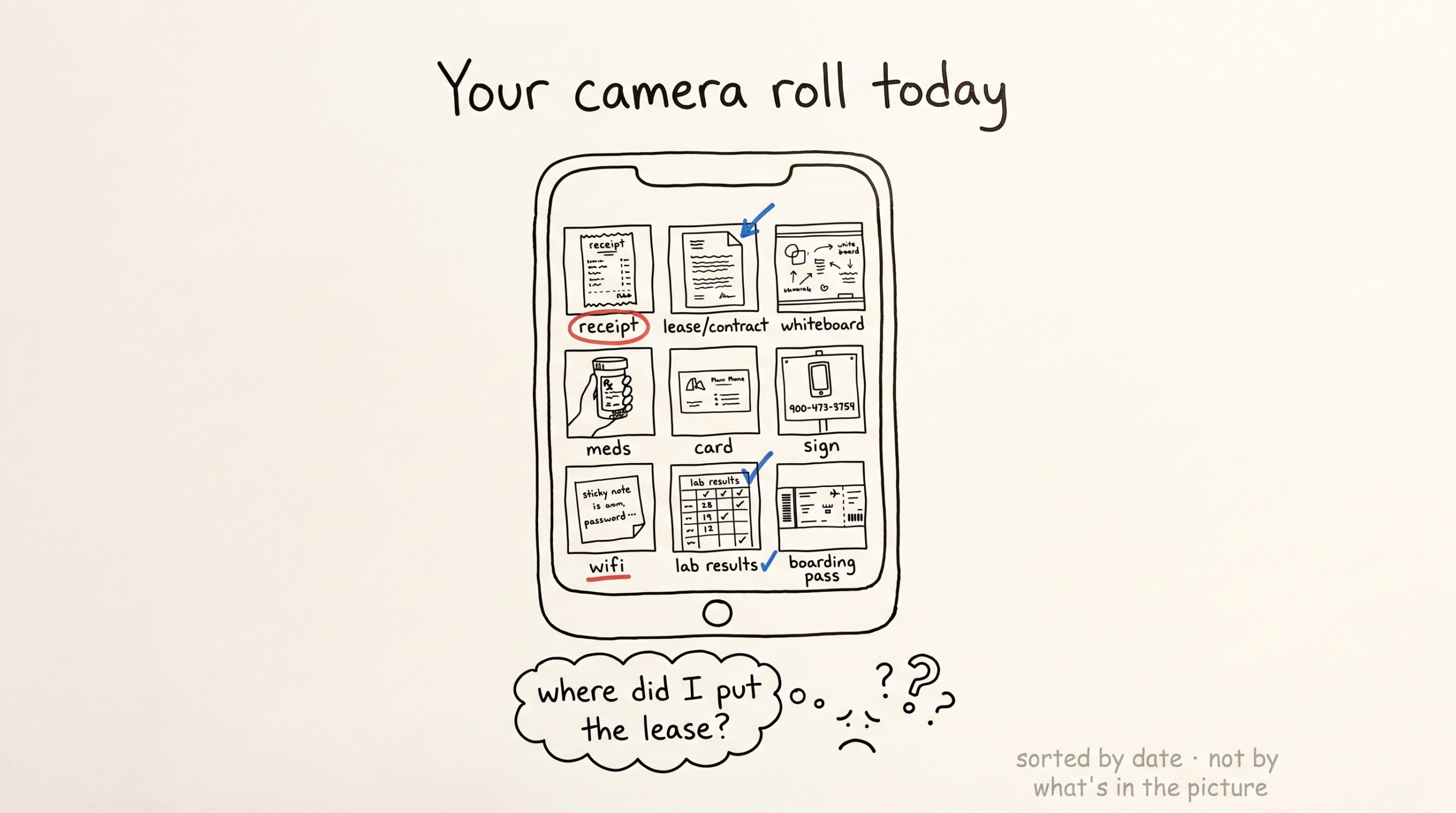
Snap a photo, ask any AI: turning paper receipts and lab results into recall
It's Tuesday morning and a four-page rental agreement is sitting on your kitchen table. You could snap a photo of it, paste the text into Claude, copy the answer somewhere…
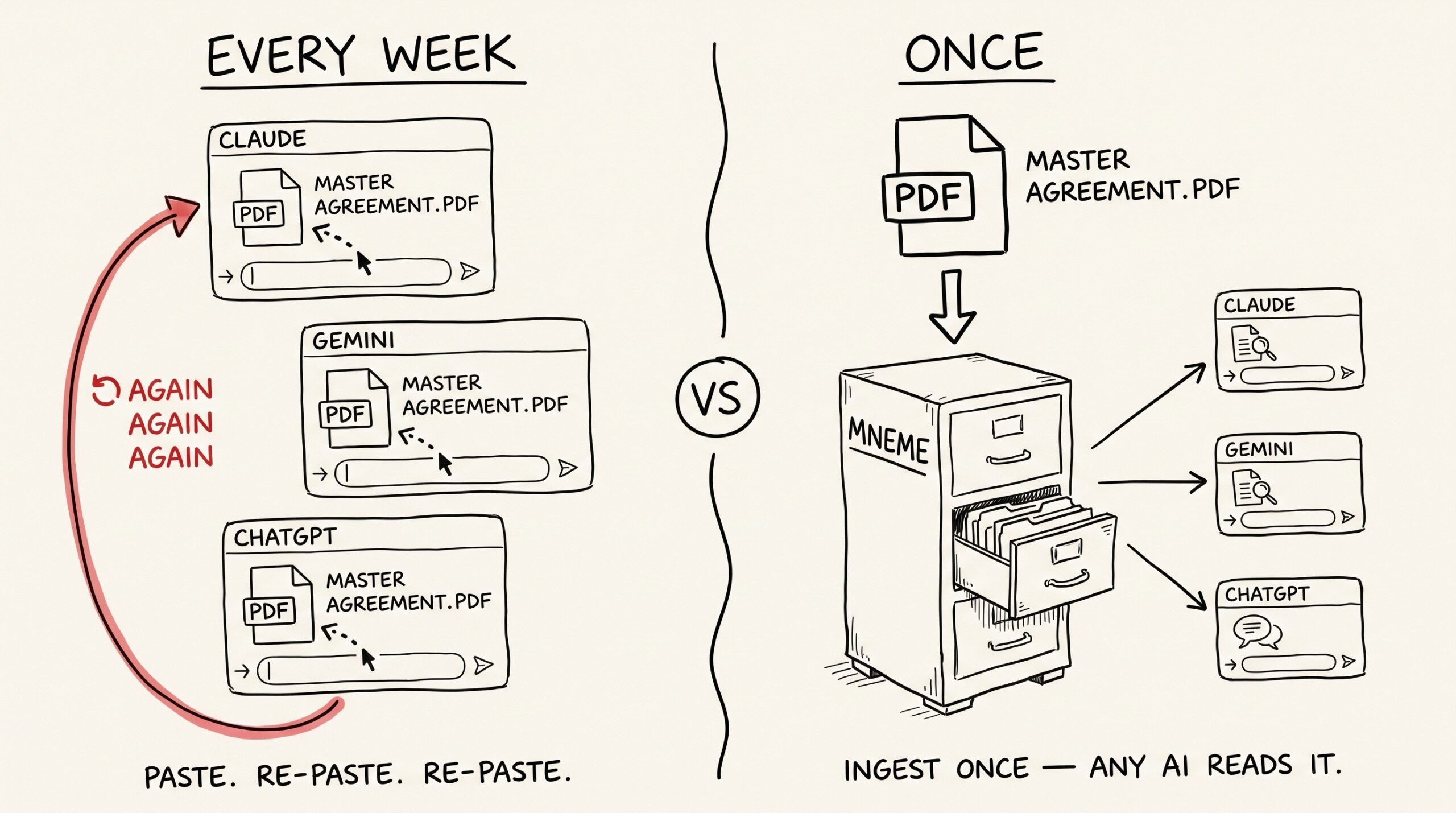
Stop pasting PDFs into Claude — give every assistant permanent access to your documents
You've pasted the same twelve-page master services agreement into three different chats this month. Once for the indemnification clause. Once for a question about IP assignment. Once because you forgot…