It’s Tuesday morning and a four-page rental agreement is sitting on your kitchen table. You could snap a photo of it, paste the text into Claude, copy the answer somewhere safe, and then re-paste the whole thing next week when you’ve forgotten which clause covered late fees. Or you could hand the photo to your AI once and forget it forever — except not forget, because you don’t have to remember it. Your AI does.
This post is about the smallest, laziest workflow in Mneme: capture a paper thing once from your phone, query it from any assistant for as long as you keep your account.
The current ritual you don’t realize you have
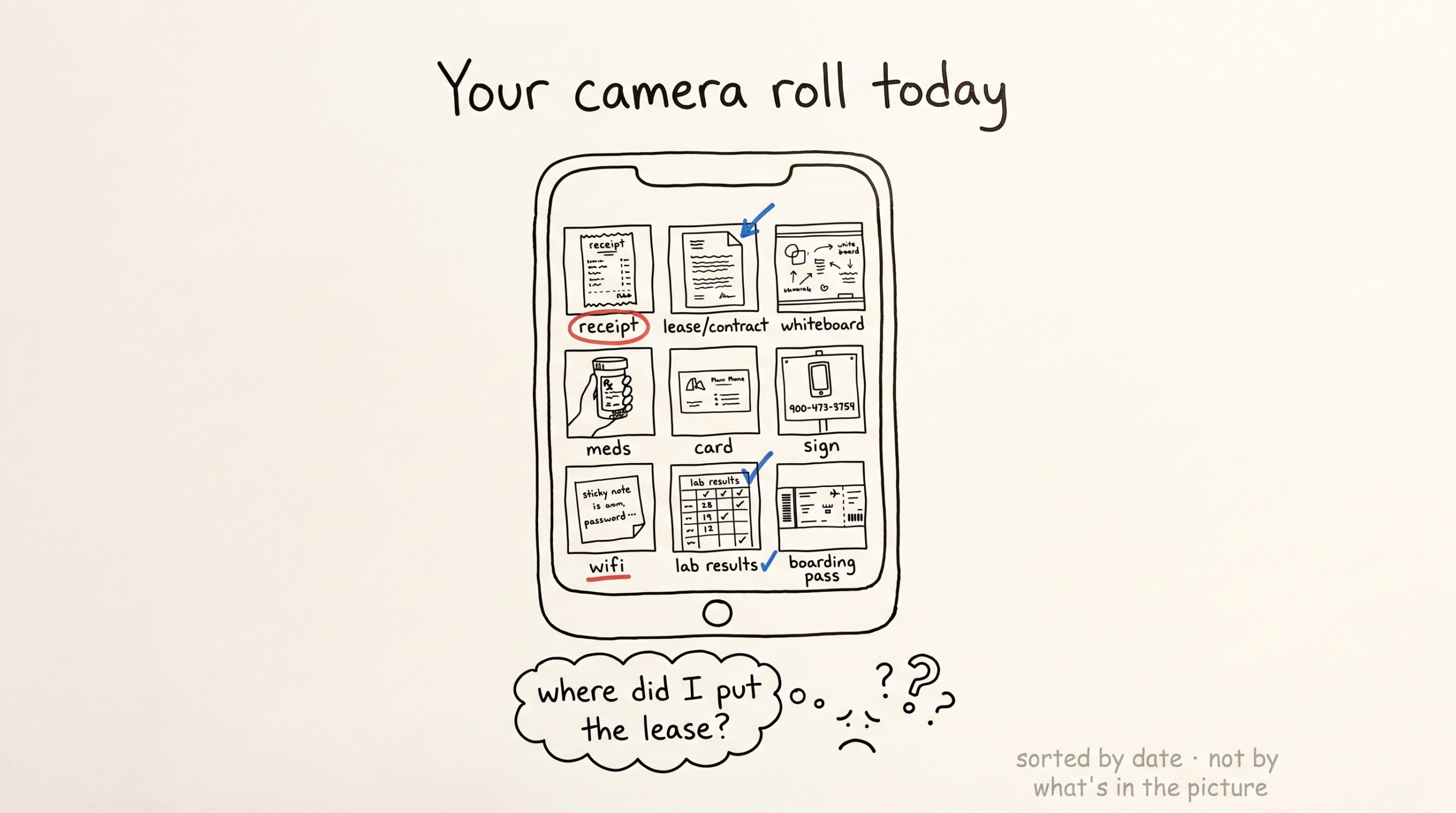
Look at the camera roll on your phone. Count how many of the last fifty photos are documents — a contract page, a lab printout, the back of a prescription bottle, a wifi password taped to a router, a sign with a phone number. For most people who use AI for anything practical, this is a quiet majority of their captures.
Now count how many of those photos you have ever looked at again.
The honest answer is roughly none, because finding a photo of a document is a different problem from taking one. The camera roll is sorted by date, not by what’s in the picture. If you wanted to ask Claude about that lease last month, you scrolled. You probably gave up. You re-uploaded the lease.
The Mneme version is one short message to your assistant.
What happens when you snap a photo into Mneme
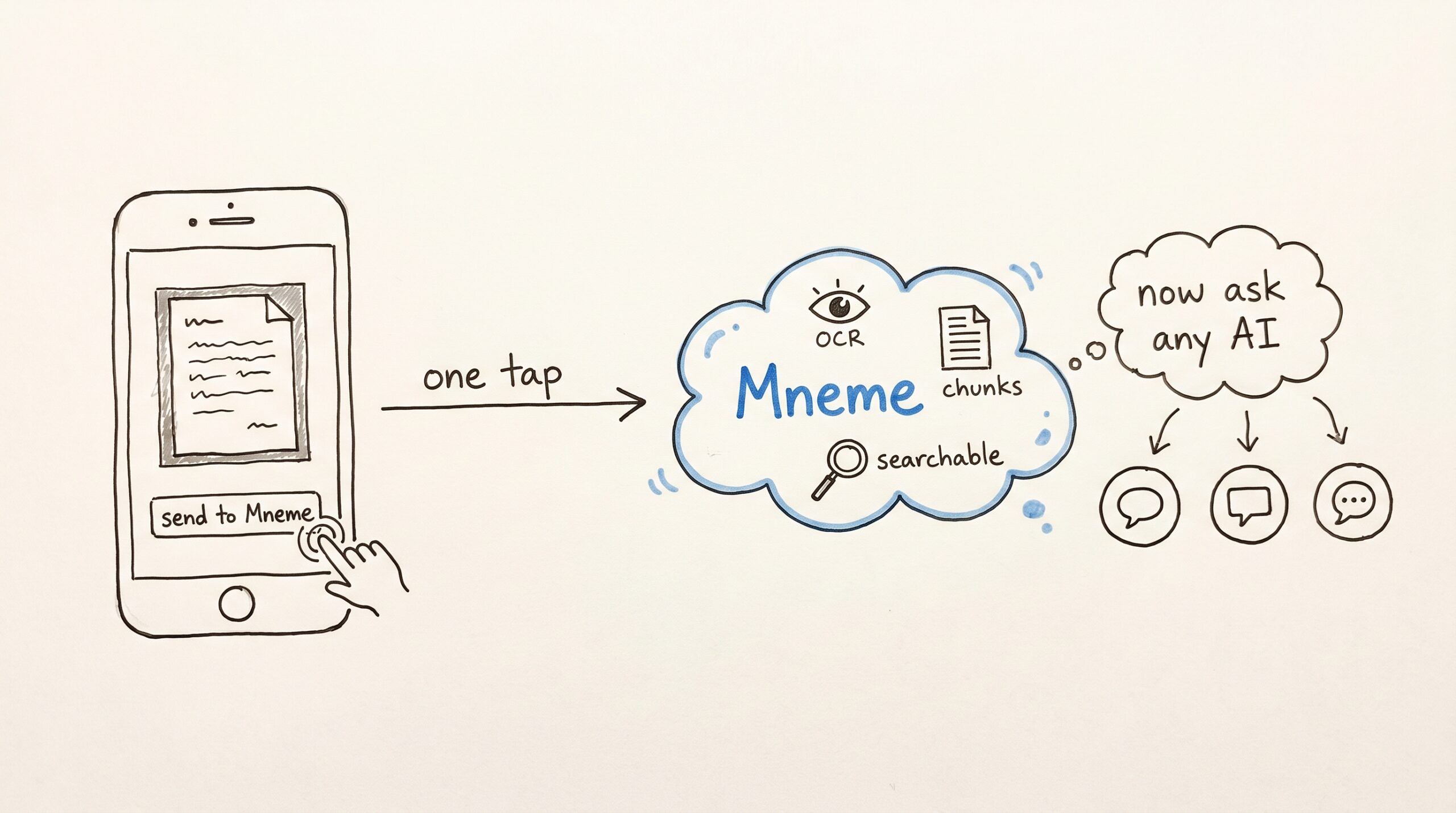
You take the photo on your phone, you hand it to whichever assistant you’re already in — Claude mobile, ChatGPT, Gemini, Cursor — and you say “add this to Mneme.” The assistant uploads the image to your vault. Mneme reads the text out of the photo, breaks it into searchable pieces with a page-style anchor for each one (so the AI can cite “image p.2” later), and indexes the whole thing.
You don’t see any of this. The chat keeps moving. A couple of minutes later, when you ask the assistant about the photo, the answer is already there.
When you want to verify it landed, open Files Mneme has ingested in the Mneme app and filter to image. The photo is there with a thumbnail, the extracted text, and a preview. That’s the receipt.
The week-later moment
Skip ahead seven days. You’re in Claude Desktop, not Claude mobile. Different assistant, same vault, because Mneme doesn’t care which one is asking.
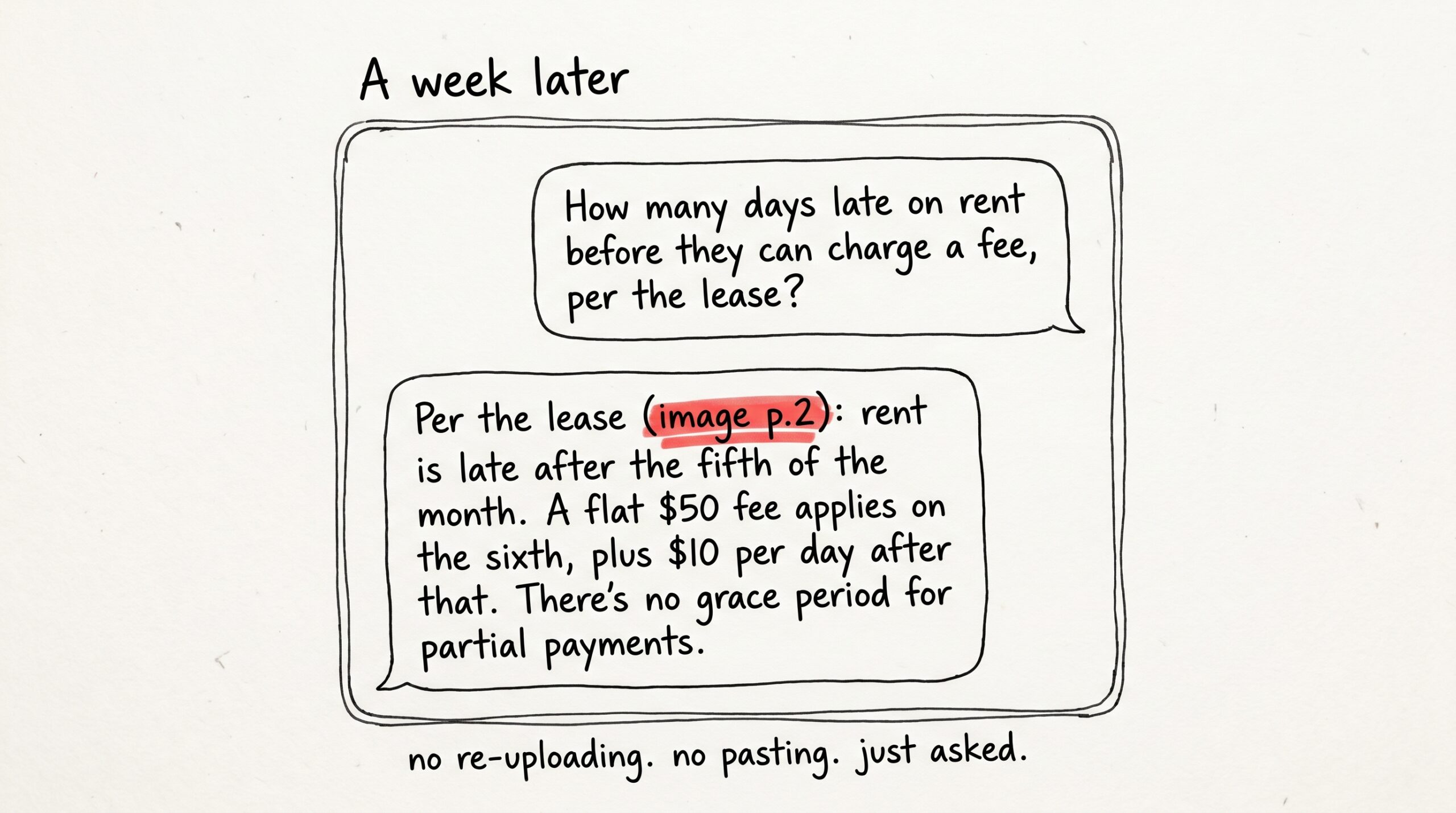
You type: “How many days late on rent before they can charge a fee, per the lease?”
A few seconds pass while Claude looks through your vault. The answer comes back as a quote with a page reference:
“Per the lease (image p.2): rent is late after the fifth of the month. A flat $50 fee applies on the sixth, plus $10 per day after that. There’s no grace period for partial payments.”
You did not re-upload anything. You did not paste anything. You asked.
What this is not
It’s worth being precise. The image-ingest workflow is not OCR-as-a-service; it’s not a document-management product; it’s not a photo organizer. It is a single move that says: take this image, turn it into searchable text, anchor the text back to the original bytes, and make it available to any AI my account authorizes.
That last clause is the whole point. The lease is in your vault, not in Claude’s chat history. Tomorrow you can switch to Gemini, connect it once, and the lease is right there. Next year you can switch to whatever’s better than Gemini. Same lease.
If you want the original photo back — for printing, forwarding, attaching to an email — Mneme can hand it back any time, exactly as you took it. The original bytes never leave your account, and they don’t get stitched into anyone else’s training pipeline.
Where it earns its keep
A short list, in roughly the order people discover them:
- Lab results. Photograph the lipid panel; six months later ask any AI “how has my LDL trended?” If you photograph each one as it comes in, the answer arrives without you ever having to organize a folder.
- Receipts you might need at tax time. Snap them as they happen; tag them
tax-2026; in April, ask Claude to summarize deductible categories. - Whiteboards from meetings. The diagram your director drew about Q3 priorities is a JPG nobody will ever scroll back to. Ingest it. Two months later: “what was the customer-segment ordering we landed on?”
- Handwriting and printed forms. Mneme handles printed text well and most clear handwriting. Cursive on lined paper still loses. Don’t expect miracles on a doctor’s signature.
- Signs, business cards, packaging. The wifi password at the Airbnb. The plumber’s truck phone number. The dosage instructions on the back of a prescription bottle.
A pattern across all of these: the photo was already happening. The only change is that one short message after the shutter — “add this to Mneme” — sends the bytes to a place where you can find them later by what they say, not when they were taken.
Things Mneme will be honest about
Reading text from photos is excellent on clean printed text and decent on most handwriting, but it can mis-segment dense tables and lose precision on low-light or skewed photos. If you snap a receipt at an angle in a dim restaurant, expect to ask follow-up questions; the photo will still be searchable, but the line items may be jumbled.
The reading happens asynchronously, so a photo you add at 9:01 may not be fully searchable until 9:03. For most workflows this is invisible; if you’re handing in an image and asking about it in the same minute, you’ll occasionally need to wait a beat.
And — to belabor a point — the photo never leaves your corner of Mneme. There’s no admin path that resolves your vault, no preview-for-support workflow, no warehouse copy. Mneme can’t see the image; it just stores it and hands the right paragraph back to whichever AI you authorized. The flip side is that if you delete your account, the bytes are gone. There is no soft-delete tier.
What to try
If you have an MCP-compatible assistant connected, the next document you would have photographed anyway is the right test. A receipt, a printout, a page of notes. Hand it to your assistant. Switch to a different assistant tomorrow. Ask about it.
If you don’t have one connected yet, start with the one you already use most — paste the MCP connector URL from your Settings page into it, click the email confirmation link, and you’re wired up. Once that’s done, the workflow above becomes ambient. You stop thinking about it.
The point of the post isn’t the lease. The point is that the camera roll has been a graveyard, and there’s no real reason it needs to be one anymore.
Start your vault and try it on the next photo you take.
The little switch that keeps your AI from deleting the lease
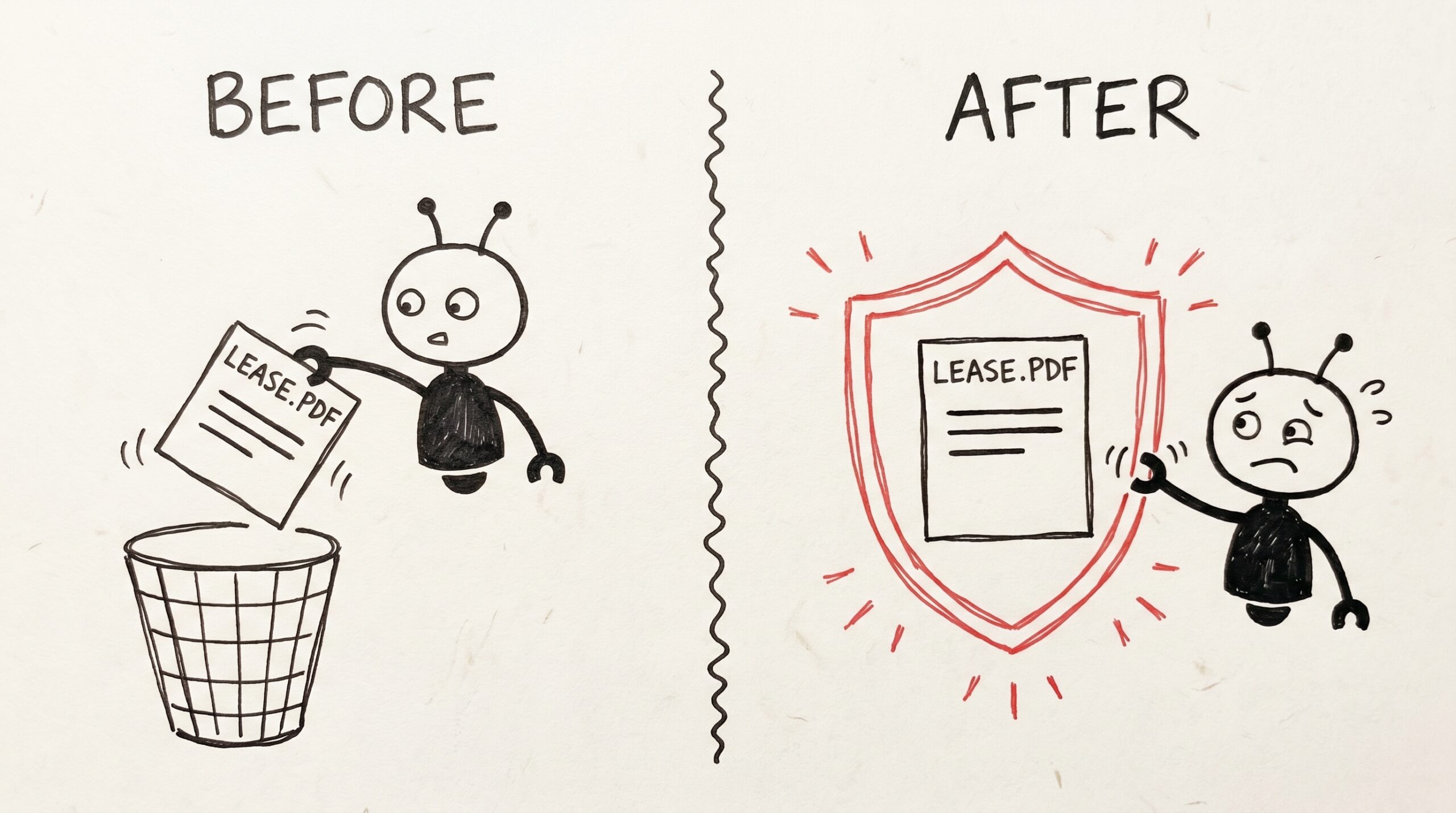
You photographed the lease last March. You tagged it, you searched it twice, you forgot about it. Today you ask your assistant to "clean up old documents I don’t need…
The links you never added
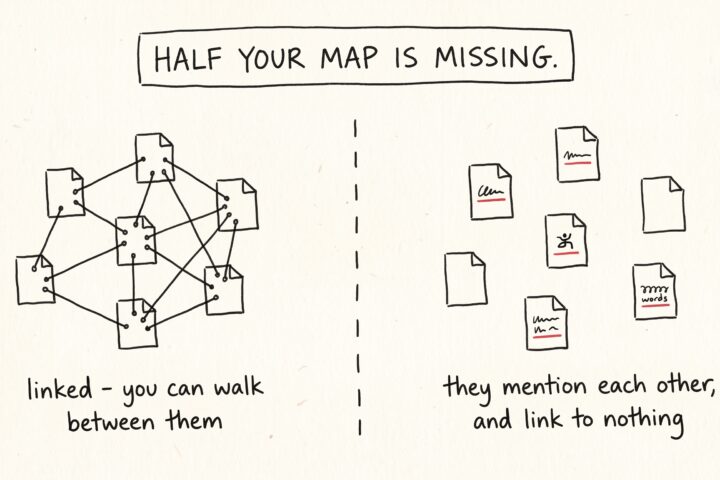
Open any note in your vault and read it the way a stranger would. It's full of references. A meeting note mentions a project. A recipe mentions the dinner party…