Somewhere in your vault there’s a note that quietly runs everything: the routing note. It’s the page your AI assistants read to learn where things go — receipts here, lab results there, meeting notes under this project. Every time you snap a photo or say “save this,” that note is the reason the file lands somewhere sensible instead of in a pile.
There has always been one problem with it. You wrote it once. Your habits didn’t stop changing.
Rules on paper, habits in motion
Filing conventions don’t fail loudly. They drift.
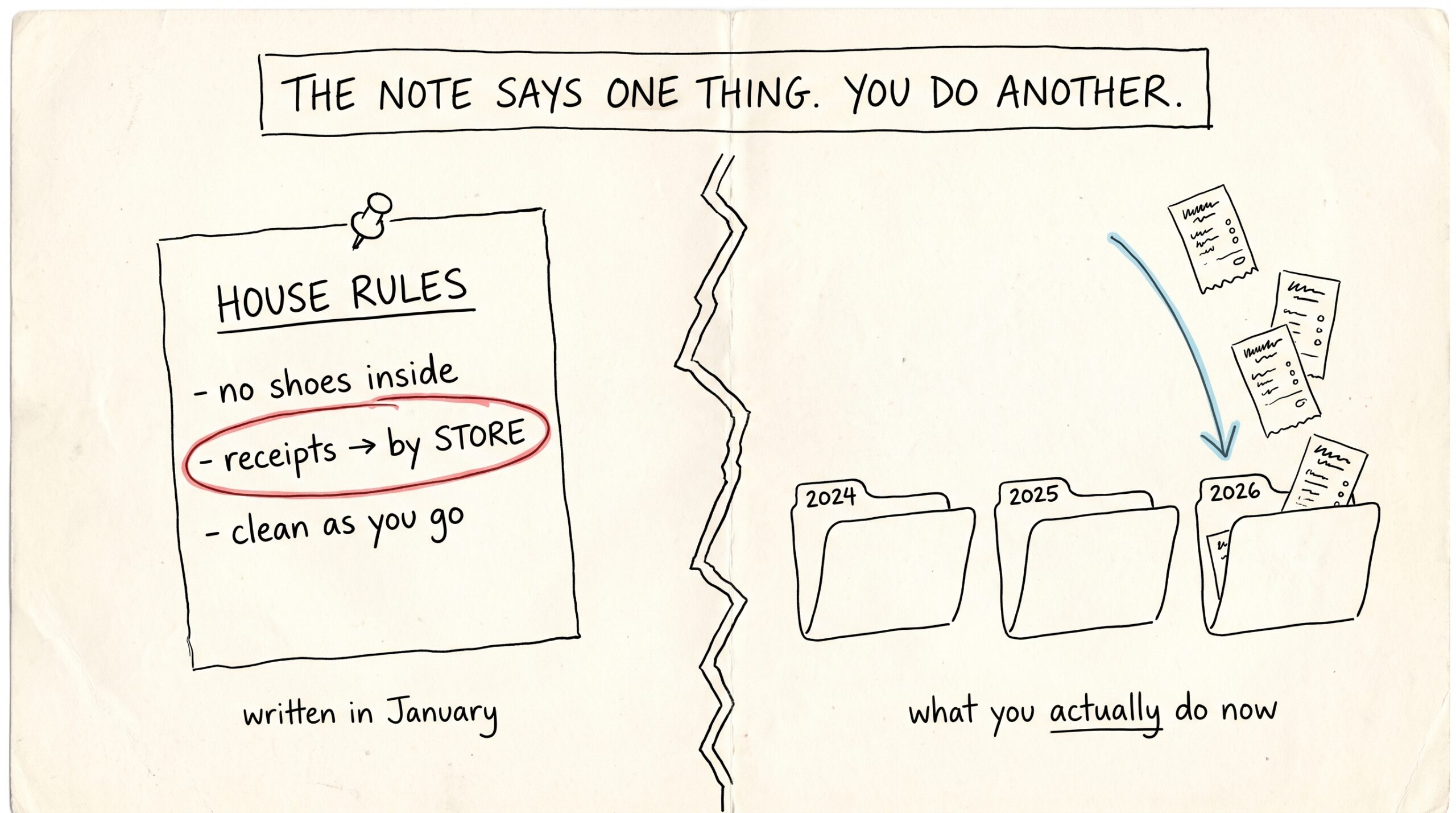
In January you decide receipts belong in a folder per store. By March you’ve quietly switched to a folder per year, because that’s what you actually reach for at tax time. Nobody updates the routing note — why would you? You’re busy living, not maintaining documentation about your own life.
So the note says one thing and your vault does another. New receipts follow the old rule when the assistant reads the note, and the new rule when you file them yourself. Six months later there are two systems, and the answer to “where are my receipts?” is “it depends.”
This is the standing gap in every memory system: the instructions age, the behavior doesn’t. Someone has to notice the difference and write it down. Until now, that someone was you.
What happens overnight
Now it’s Mneme.
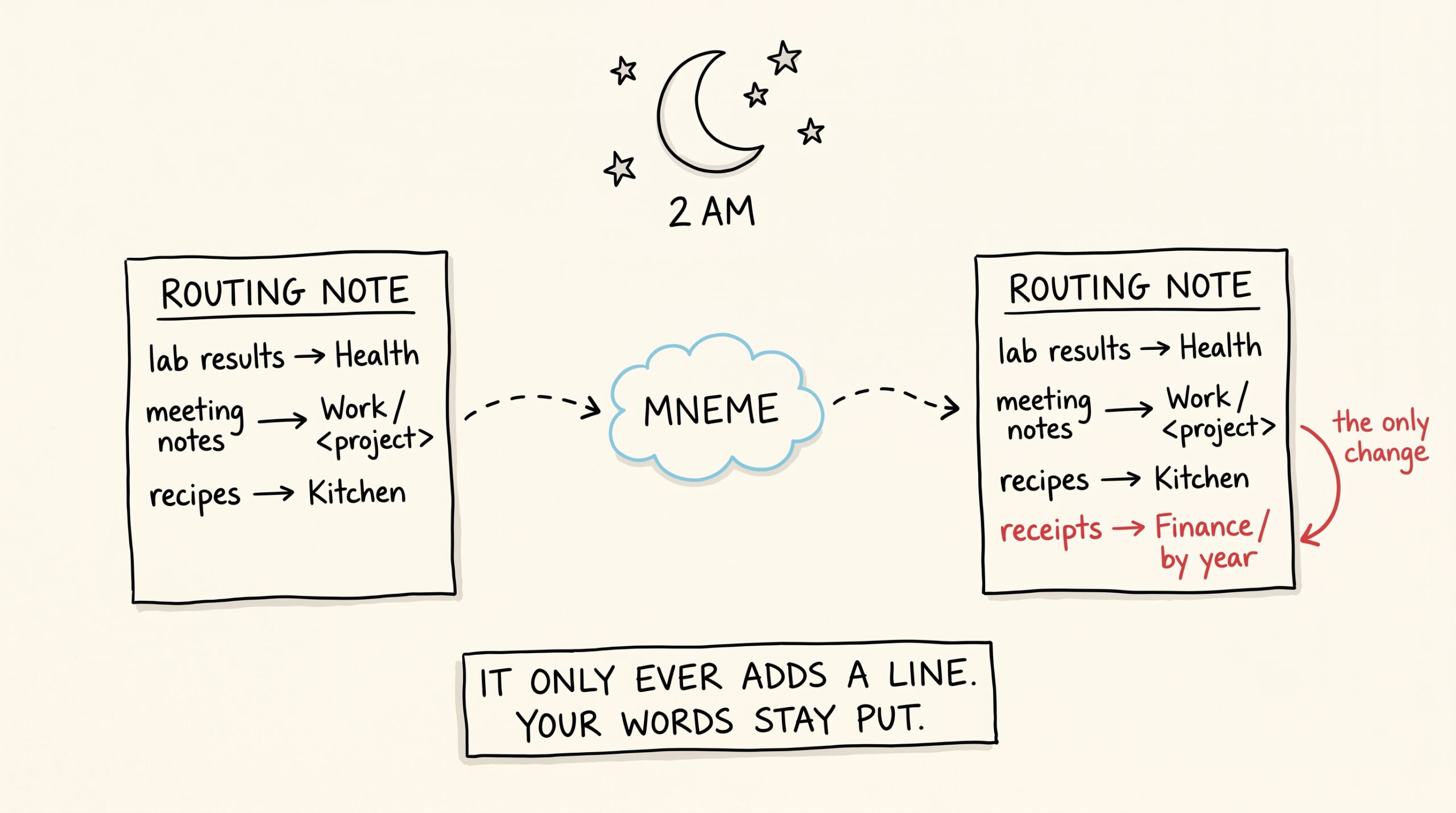
Each night, while it’s already doing its usual reflection — merging duplicate memories, distilling what it learned from your documents — Mneme also looks at where your recent notes and files actually landed. Not where the routing note says they should land. Where they did.
When it sees a real pattern — the same kind of thing filed the same way, again and again, with no rule on the books that covers it — it writes the convention down. One clear line, appended to your routing note. The note you wrote stays exactly as you wrote it; Mneme only ever adds, never rewrites, and it keeps its additions short.
The next morning, every assistant you’ve connected — Claude on your phone, the one on your laptop, whichever tool your household adopts next year — reads the updated note and files things the way you’ve actually been filing them. The paper caught up with the habit while you slept.
Mneme is deliberately conservative about this. A single oddly-filed receipt is not a pattern. A convention it already wrote down doesn’t get written twice. And a suggestion you’ve rejected before stays rejected — more on that below.
Where you see it — and how you undo it
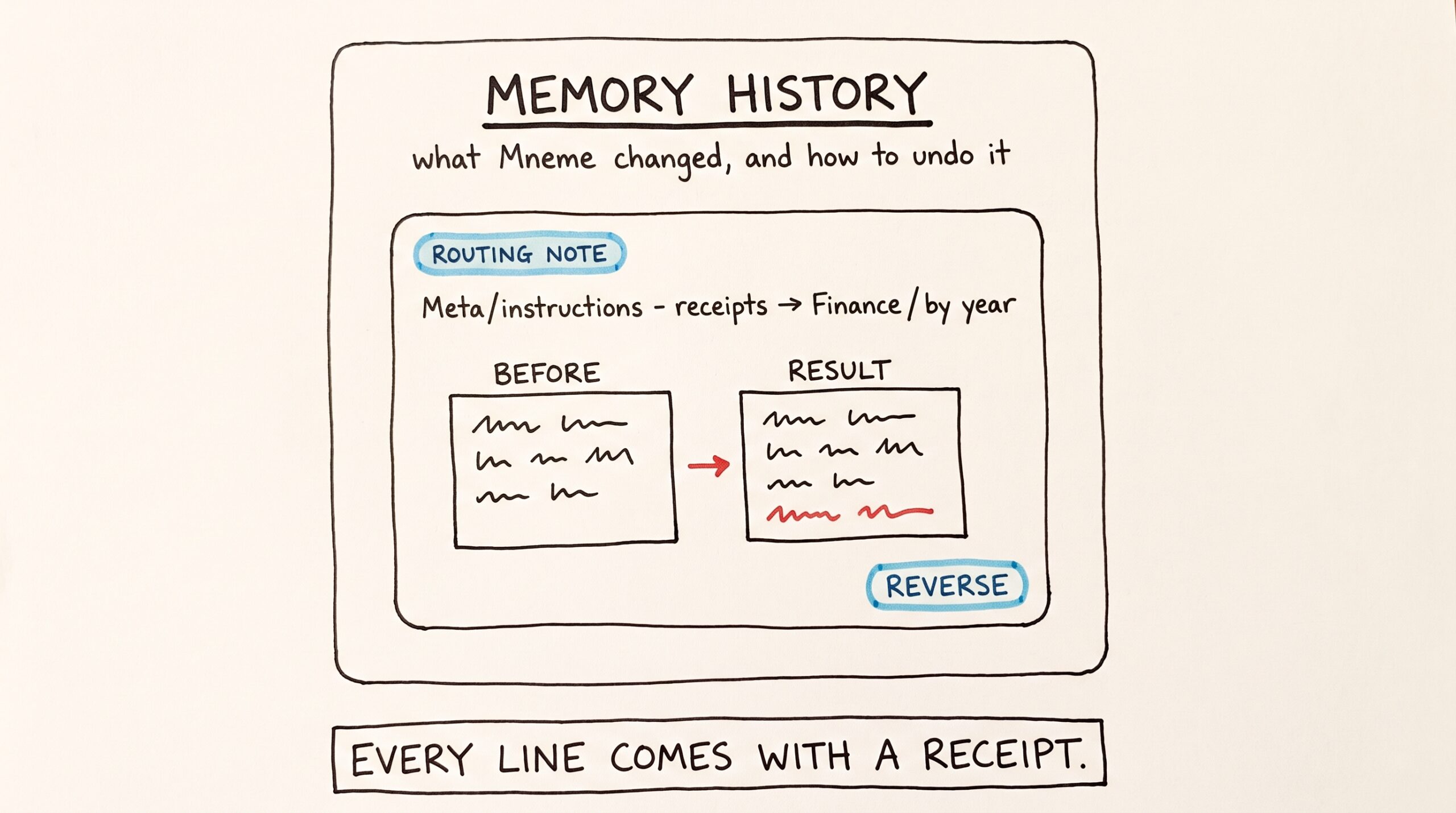
Nothing about this is silent. Every line Mneme adds becomes an entry in the same place all of its overnight work lands: the Memory history panel.
Open the Memories page in the Mneme app and click History in the top corner. The panel that slides out is titled Memory history — “What Mneme changed, and how to undo it.” A routing-note update appears there as a card with a Routing note chip and a one-line summary: the note it touched, and the beginning of what it added.
Click Show details and you get the full picture — Before shows the routing note as it was, Result shows exactly the line that was appended. No diffing, no guessing, no “trust me.”
You don’t have to open the app to check, either. Ask any connected assistant “what did Mneme change last night?” and it can read the same history back to you.
You stay the editor-in-chief
Maybe the pattern Mneme spotted is real but temporary — three weeks of conference receipts don’t mean you have a new filing philosophy. Every routing-note entry in the history has a Reverse button, and reversing does exactly one thing: it removes the line Mneme added and restores the note to what it was before. Your own writing is never touched.
When you reverse, Mneme asks one follow-up question — the same one it asks for any change you roll back:
- Reverse & re-evaluate in 30 days — the suggestion is paused. If the pattern is still there in a month, Mneme may bring it up again.
- Reverse & never suggest again — that particular convention is off the table for good.
Reversed entries stay visible in the history, marked with how you answered — “Paused until…” or “Won’t suggest again.” And if you change your mind later, Allow again lifts the block.
The same works by voice: tell your assistant “undo that routing change” and it happens, with the same choice about whether the idea may come back.
Why this matters more than it looks
A routing note that maintains itself sounds like a small quality-of-life feature. It’s actually the difference between a memory that stores and a memory that keeps up.
Most AI memory is a bucket: things go in, things come out, and the organizing logic is frozen at whatever you set up on day one. Your life doesn’t work that way. New job, new project, new kid, new accountant — the categories that matter to you shift every few months, and the way you file things shifts with them, usually without you ever announcing it.
Mneme doesn’t pretend to read your mind about those shifts. It does something more honest: it watches what you already did, writes down the rule you were already following, and shows you its work with an undo button attached. The system of record adapts to you — not the other way around — and you remain the only editor whose word is final.
Your filing system now learns from you the same way the rest of your vault does. You just live. The note keeps up.
The work checkbox
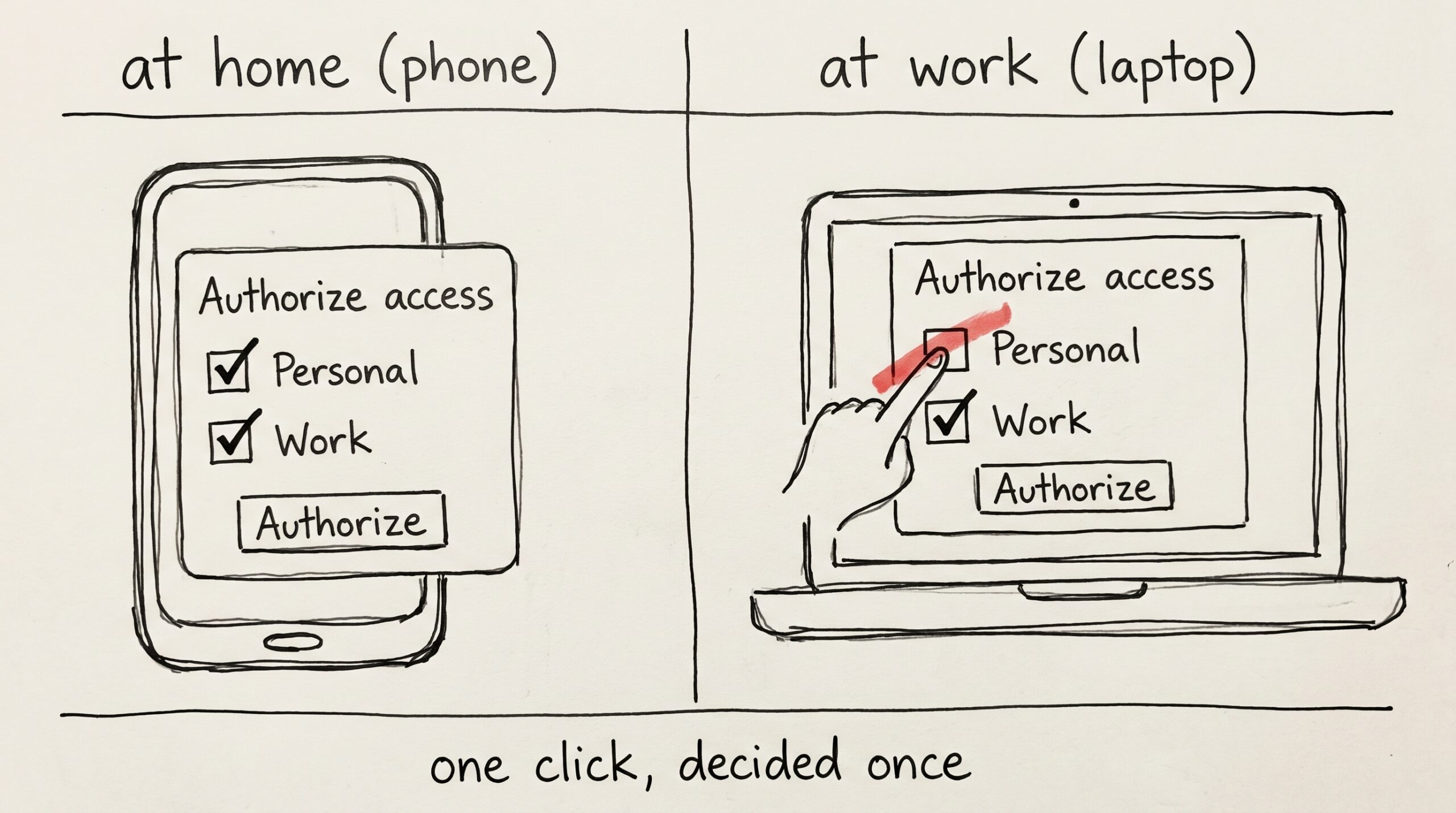
You spent the weekend setting up a new work laptop. Mneme is on the install list — you've used it on your phone and your home mac for months, and…
The links you never added
Open any note in your vault and read it the way a stranger would. It's full of references. A meeting note mentions a project. A recipe mentions the dinner party…