You probably can’t answer this question off the top of your head: every move your AI makes on your data — what does that look like over a week?
Not the chats you remember having. The ones you forgot. The screenshots you uploaded and dismissed. The documents you pasted and closed. The follow-up calls that ran in the background. The shape of your week, from the AI’s perspective.
For most products you use, the honest answer is “I don’t know, and I have no way to find out.” This post is about why that’s the wrong default and what Mneme does about it.
The thing software stopped showing you
Twenty years ago, software told you what it was doing. Disk-activity lights blinked. Network indicators flickered. Status bars said which file you were saving. The interface was honest about the work; you could tell when something was happening you didn’t ask for.
Modern software doesn’t do this. The work happens in the cloud, on someone else’s machine, and the interface shows you only the outcome. AI is the most extreme version of this. You ask Claude something; somewhere a model runs, a search executes, a tool fires, a document is fetched, and you see a paragraph come back. The supply chain that produced the paragraph is invisible.
Most of the time that’s fine. Sometimes it isn’t. “Did the assistant actually open that PDF, or did it hallucinate the citation?” “What did it look up in my vault when I asked about the contractor?” “Is anything reading my data right now?” Without an audit, those questions are unanswerable.
Mneme’s answer is to log every move and put the log in front of you.
Every move your AI makes — what gets logged
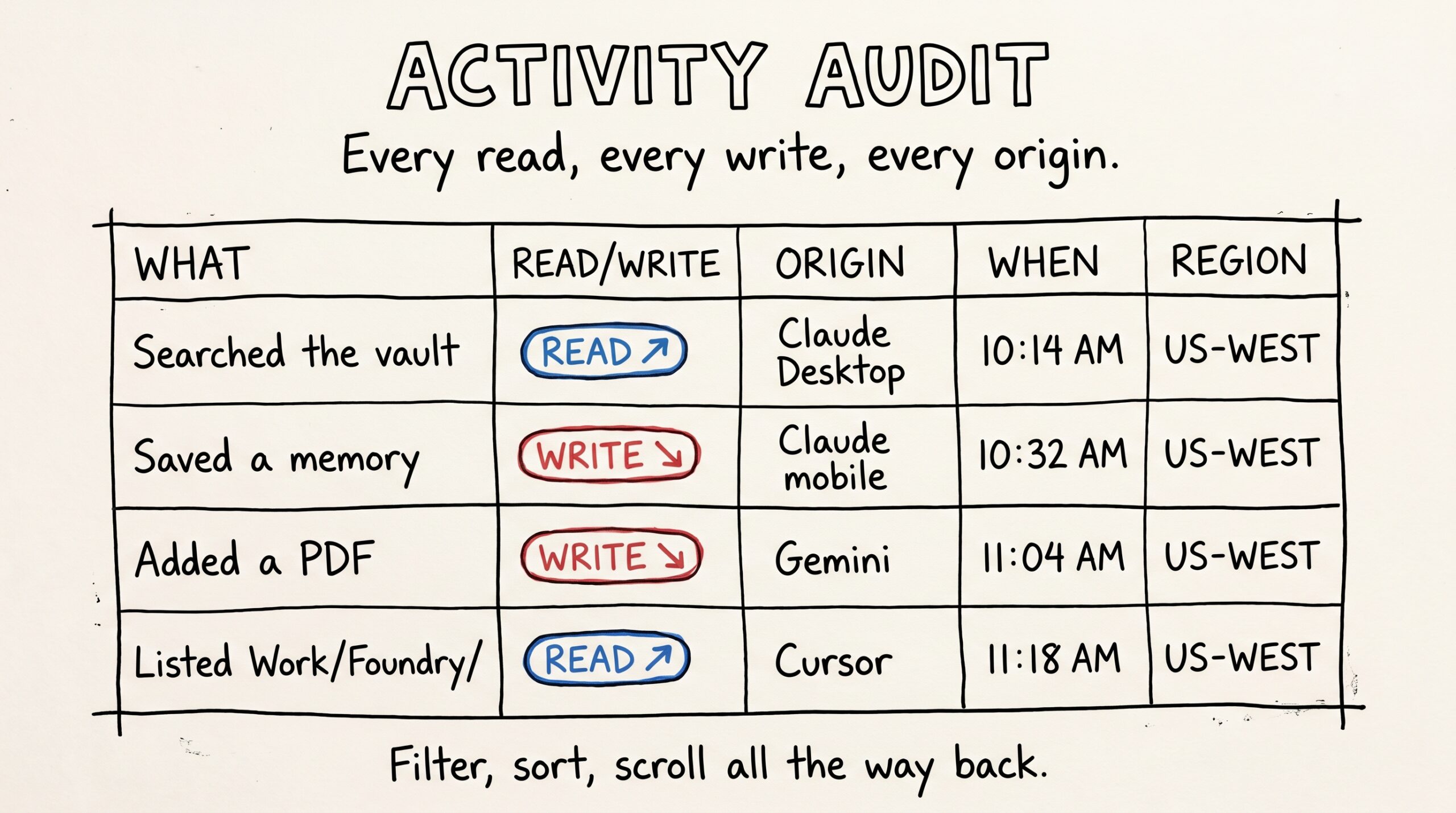
Every action your AI takes against Mneme is recorded as one row in your Activity audit. The page header on mneme.tools/activity reads, exactly: Every read, every write, every origin. That’s what it shows.
Each row has:
- What the AI did — by name. Saved a memory. Added a PDF. Searched the vault. Opened a document. Listed a folder. The label matches what the assistant was asked to do.
- Read or write — a small chip that tells you whether anything changed in your vault.
- Which assistant did it — Claude Desktop, Claude Code, Gemini, Cursor, ChatGPT, claude.ai, or any other connector you authorized. Mneme remembers each one and labels its rows.
- When — to the second.
- Where it came from — country and region, derived from the network. Not exact location, not your IP.
- What happened — succeeded, errored, was rate-limited.
You can filter by tool name, by kind (mcp_tool, oauth, http), by date range, and search for a specific origin. The list goes back to the day you connected your first assistant.
What the dashboard adds on top
Activity is the log; the Dashboard is the shape.
- 30-day ingest counts, broken out by file type — image, PDF, note. Most people are surprised by the ratio when they see it for the first time. (I expected mostly notes; turned out I add more PDFs than anything else.)
- Top connectors over 30 days — which assistants actually accessed your vault, ranked by call volume. If you set up a connector and forgot about it, this is where it surfaces.
- Where the activity came from — a small map of regions your ingest activity originated. Useful for noticing if anything connected from somewhere you don’t recognize. (If your laptop travels, expect dots in airports.)
- Activity heatmap — daily call density across the month. The shape of your work week, basically.
- Memory mix — how your saved memories partition across facts, preferences, people, and projects. Useful for noticing if you’ve been writing too many of one kind and ignoring others.
The Dashboard isn’t a vanity metric. It’s the legible version of the same audit log. You’re meant to look at it and say “yes, that’s about right” — or, occasionally, “wait, what’s that?”
Export anytime
The audit log is operational transparency. The export is exit transparency.
Open Settings, find the Data portability section, click Request data. A few minutes later, a ZIP of your entire vault lands in your account, with a download link valid for seven days. Inside the ZIP: every memory you’ve saved, every note, every image, every PDF — the original bytes for the files, the parsed text for the search-ready content, and a manifest that explains the layout.
You can drop that ZIP into a fresh tool tomorrow if you want to. The body of every note is byte-identical to what’s in your vault. The original PDFs and photos are the original files. There’s no proprietary container, no DRM, no required reader.
One export per 7 days. That’s a guardrail to keep runaway scripts from costing you money, not a barrier to actual use. If you want a copy of your vault, you can have one this weekend, every weekend.
Delete anytime
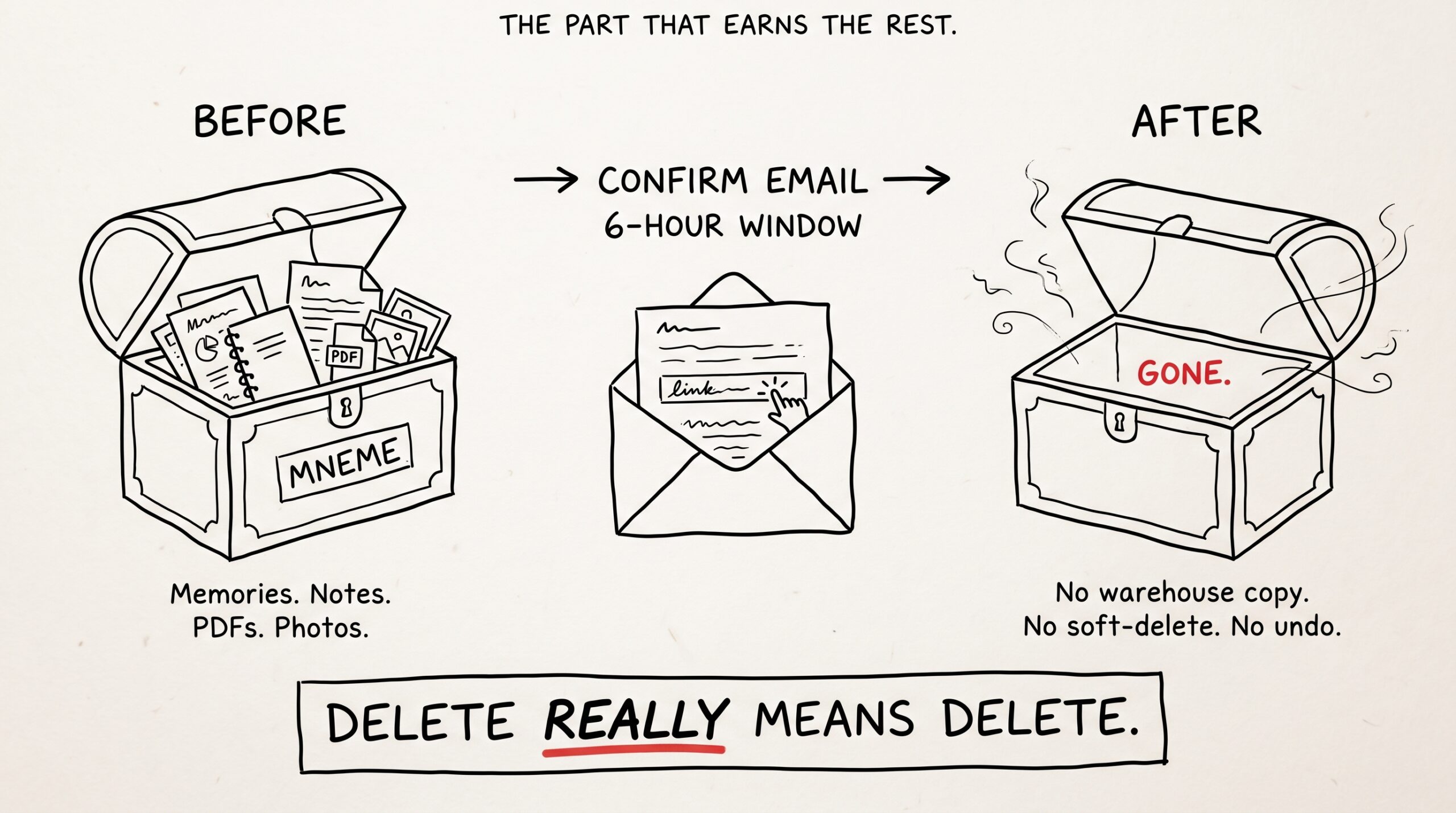
Deletion is the part that earns the rest.
Open Settings, find the account section, ask for an account deletion. Mneme emails you a confirmation link with a six-hour window. You click it; the entire vault is removed — every memory, every artifact, every chunk, every byte of stored image or PDF, every export ZIP that was sitting in your account, the auth record. Everything.
There is no soft-delete tier. There is no warehouse copy. There is no “deactivated for 30 days.” When the deletion runs, the vault is gone, and Mneme cannot recover it for you.
That’s the only way “your data is yours” means something. Yours implies the right to make it not exist.
Why the audit + export + delete trio matters
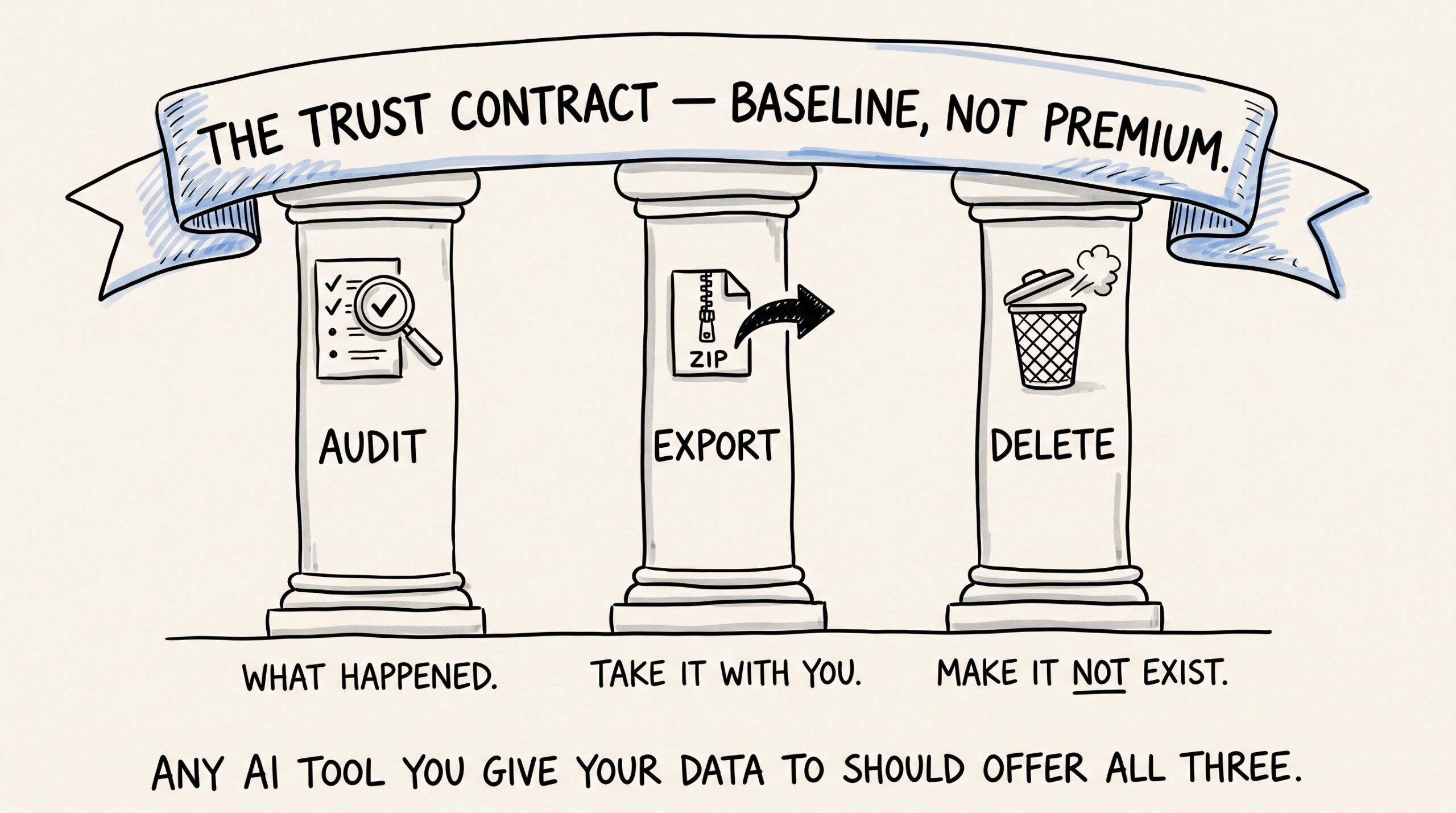
Each one of these alone would be a checkbox feature. Together they form the trust contract:
- Audit says: here’s everything that happened.
- Export says: you can take it with you whenever you want.
- Delete says: you can make it stop existing.
Any AI tool you give your real data to should offer all three. If it’s missing audit, you’re trusting a black box. If it’s missing export, you’re locked in. If it’s missing delete, you’re committed for life.
Mneme treats the trio as a baseline, not a premium feature. The reason is structural: Mneme can’t sell what it can’t read, and it can’t read what’s scoped to your account alone. Export and delete are the natural shape of “your vault, your rules, forever portable.”
Things Mneme will be honest about
A few uncomfortable details worth surfacing.
The audit covers what your assistants did with Mneme. It does not — cannot — log what an assistant did with the data after Mneme returned it. If Claude searches your vault, gets back three paragraphs, and quotes them in a chat, those paragraphs are now in Anthropic’s pipeline. Mneme logged the search; it cannot log what the assistant did next. Mneme is the source of truth for retrieval, not for what the assistant chooses to do with what it retrieved.
The location field is best-effort. Mneme uses network-region resolution, which is right almost always for home connections and gets weird with VPNs, mobile data on planes, and corporate proxies. The Dashboard shows what was resolved, not what was true.
Export ZIPs are signed for 7 days. If you don’t download within 7 days, the link expires and you re-request. Mneme doesn’t email the ZIP itself — too big, too sensitive — so make a habit of downloading the same day you request.
Deletion is final and Mneme cannot reverse it. If you might want your vault next month, export first, then delete.
What to try
If you’ve been using Mneme for more than a week, open the Activity audit at mneme.tools/activity. Look at the last 30 days. Notice what surprised you and what didn’t. Notice which assistants did most of the calls. Notice the gaps when you were on vacation.
Then, just to feel it work: click Request data on the Settings page. The ZIP will land in your account in a few minutes. Download it. Look inside. The notes file is the most interesting part — it’s the version of your vault you can drop into any other tool tomorrow.
The point isn’t paranoia. The point is to feel what it’s like to use a tool that doesn’t make you guess.
The final post in the launch series is the one about retrieval — how recall actually answers questions: “What did I write about that contractor last August?” — actually getting the answer.
Or start your vault and check the Activity audit tomorrow morning.
Plugging Obsidian into every AI you use — and keeping it idempotent
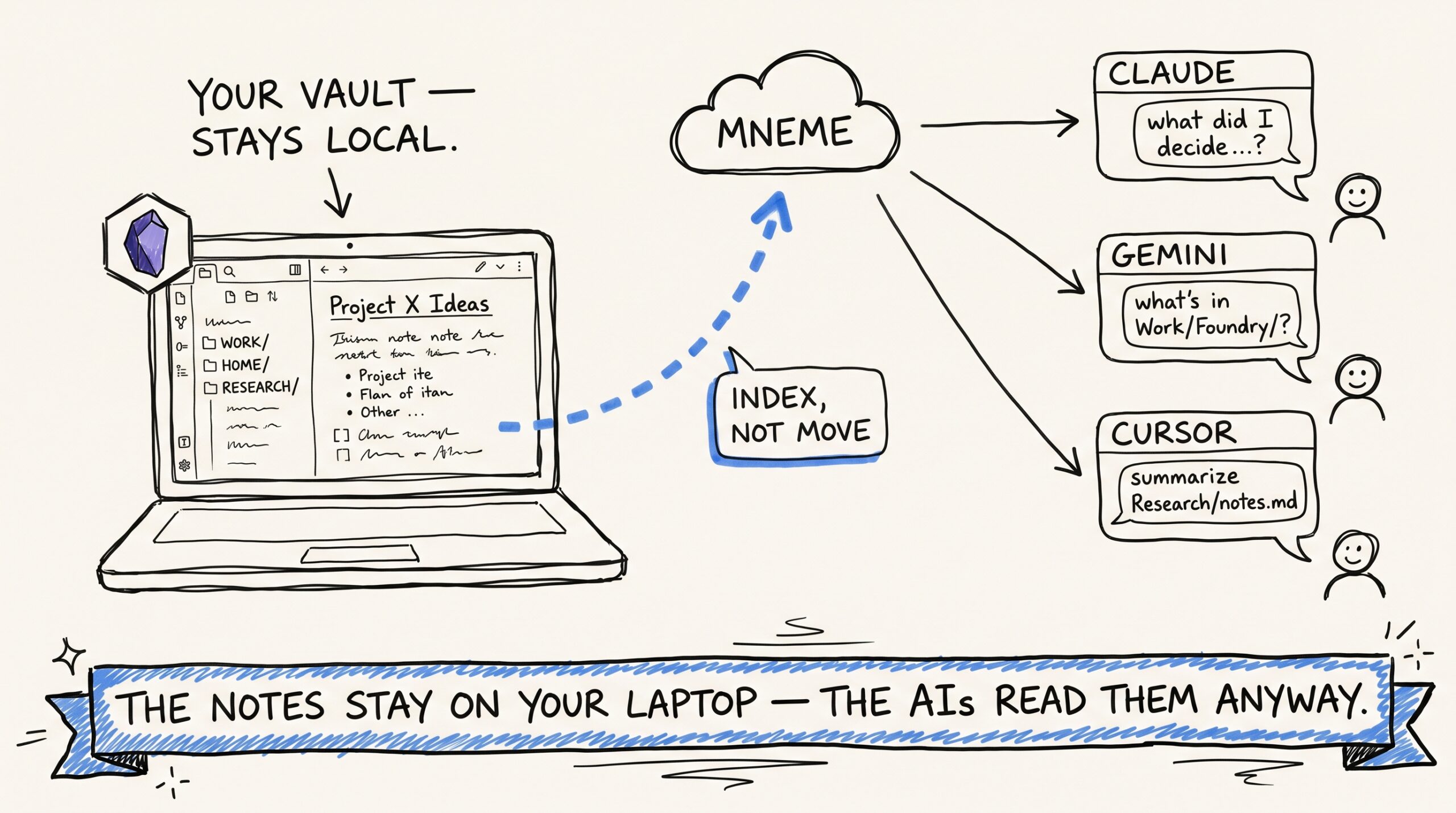
If you keep an Obsidian vault, you have already done the hard part of building a personal knowledge base. You've decided what's worth writing down. You've built a folder structure…
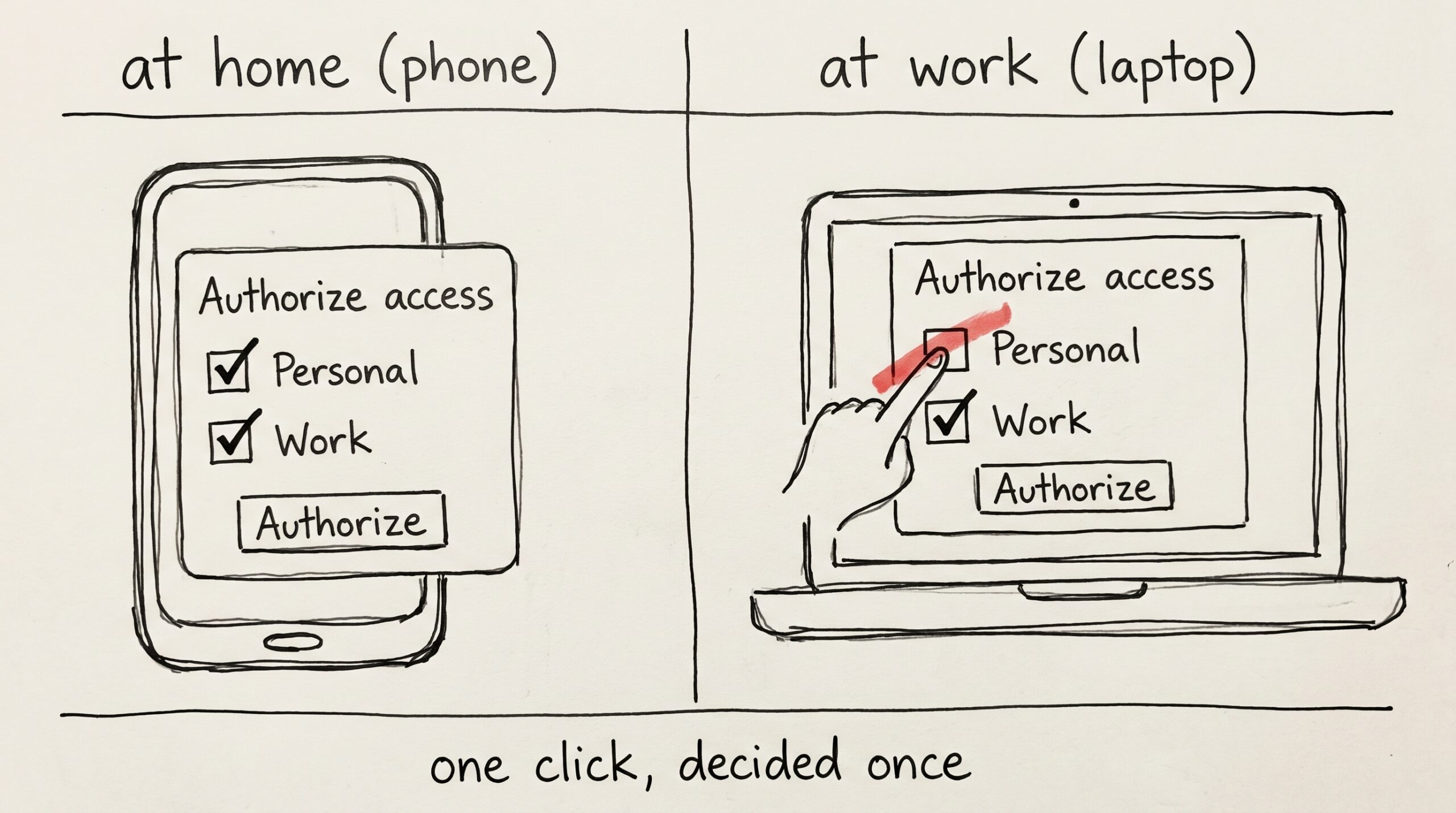
The work checkbox
You spent the weekend setting up a new work laptop. Mneme is on the install list — you've used it on your phone and your home mac for months, and…